It’s all in the shadows
Hey everyone! Jacinda here. I’ve had a few comments on my layouts lately, that got me thinking maybe I should share how I shadow background papers.
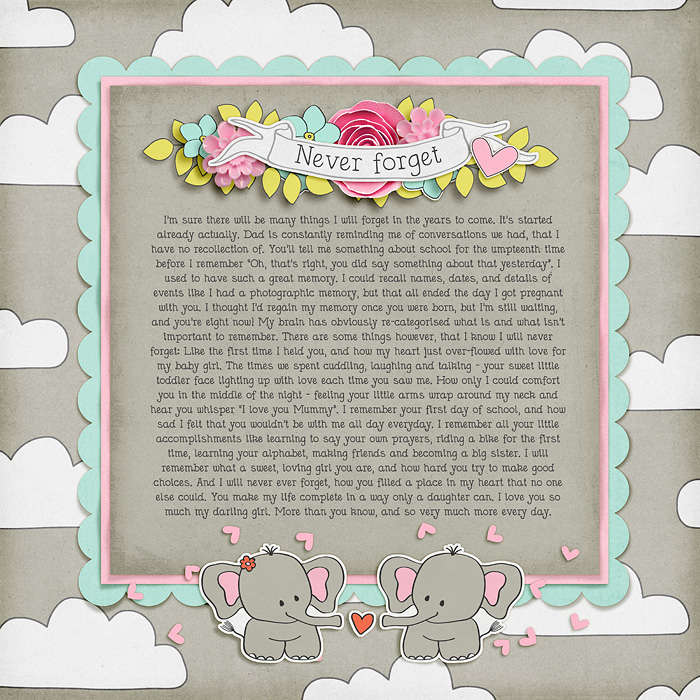
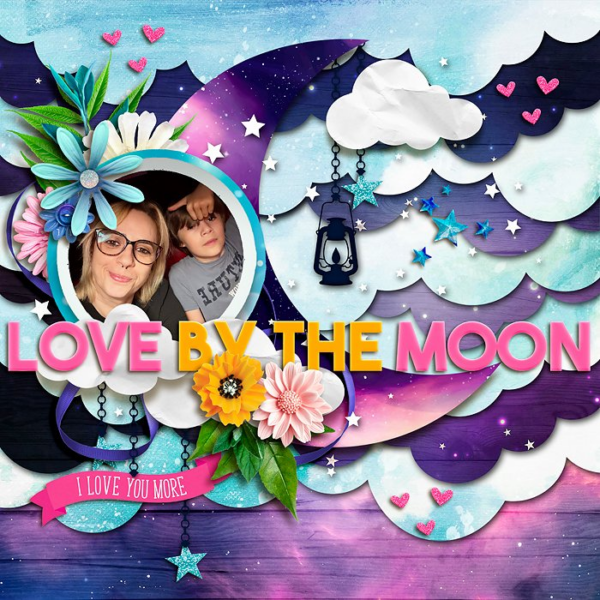
I discovered a little feature in photoshop some time ago (and totally by accident to be honest), that puts a slight wave into a layer, making it look a little more realistic. The Filter>Distort>Wave feature can be used on anything, but I mostly use it on shadows under background papers. I’ve got a few examples here to show you what I mean. Look closely, and you’ll see the distorted shadow makes the paper above it look wavy. In reality, it’s the shadow that’s wavy, not the paper, but when done right, it’s hard to tell the difference.

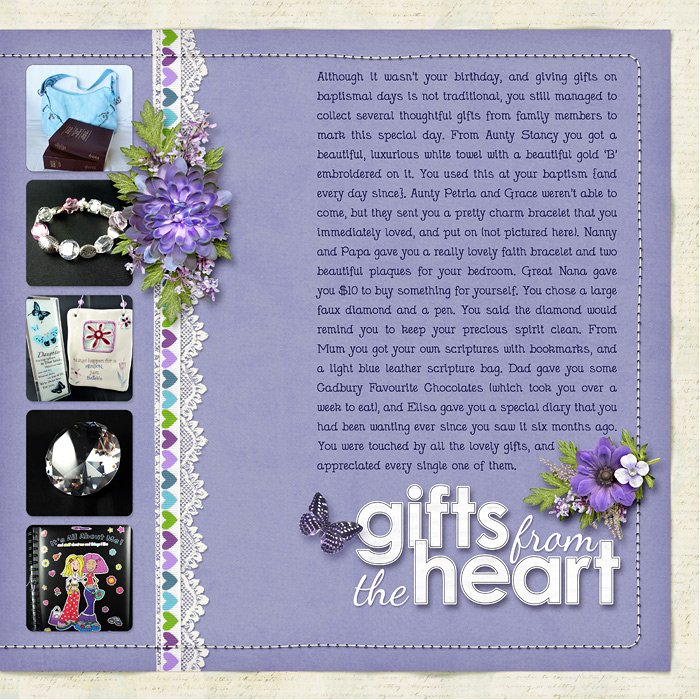
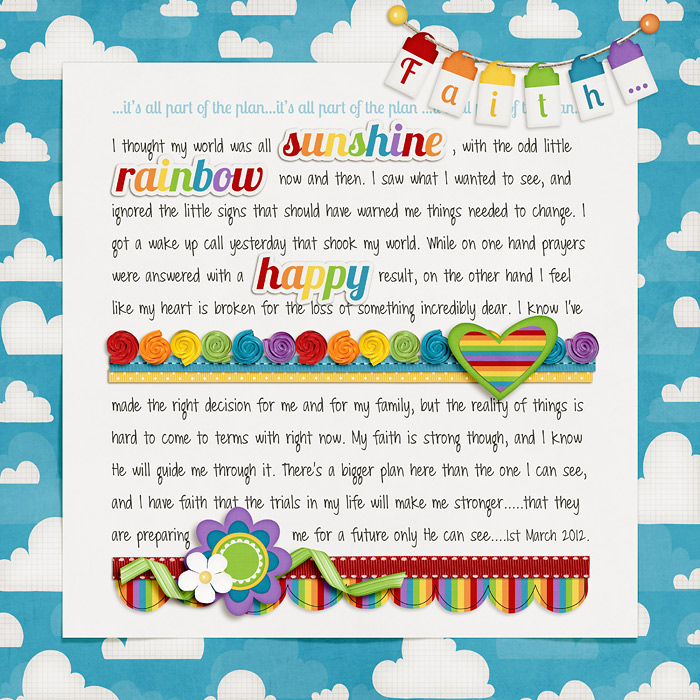
I do like how it worked on this scalloped paper:
I wrote up a whole tutorial about how to do it, which you’ll find in the shadowing section of the tutorial blog HERE. I promise it’s easy to follow. Go have a read and let me know what you think. Hopefully some of you will find this helpful.

NotAVampireLvr said...
on August 22nd, 2012 at 8:46 am
Great tutorial! I love this and will be using it on future layouts for sure! Such a subtle change effect makes all the difference!
lizzyfizzy said...
on August 22nd, 2012 at 11:21 am
ooooh!! love this, jacinda! thanks!!!
Jeri said...
on August 23rd, 2012 at 8:14 am
Love this idea! Thanks for for sharing, and I’m going to go check out that tutorial right now.