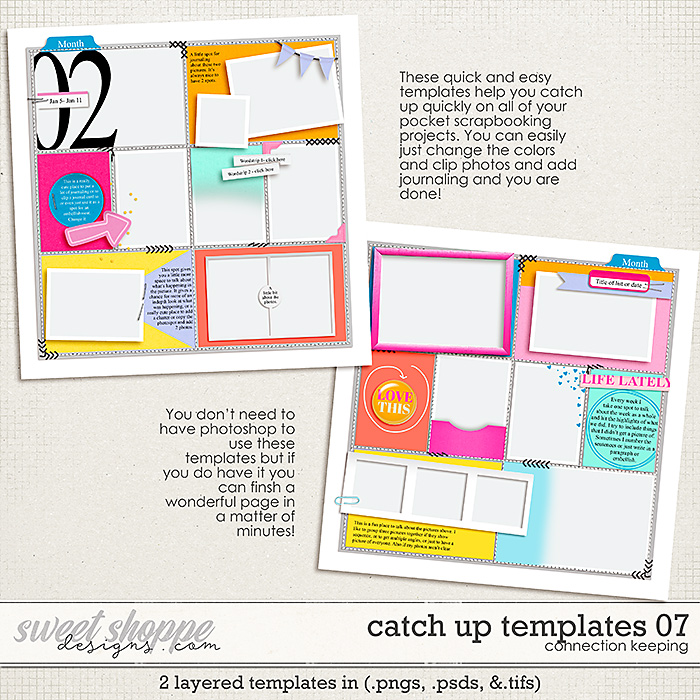
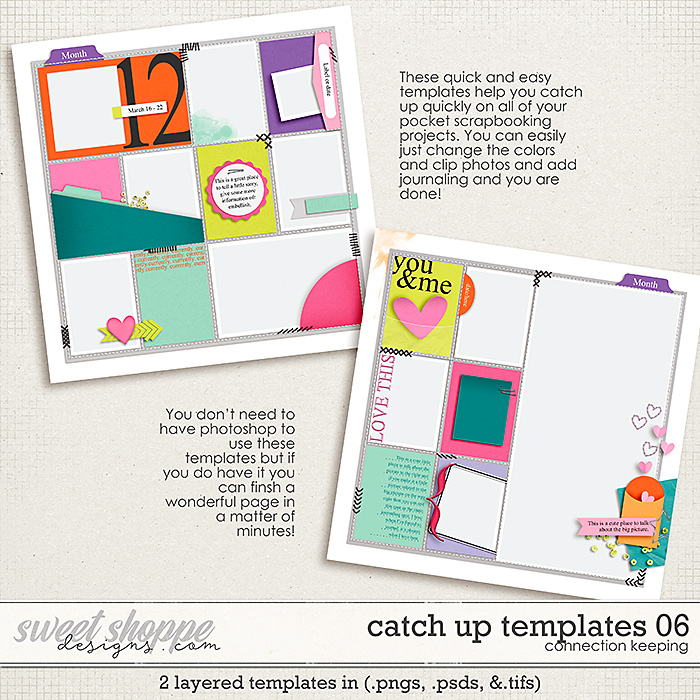
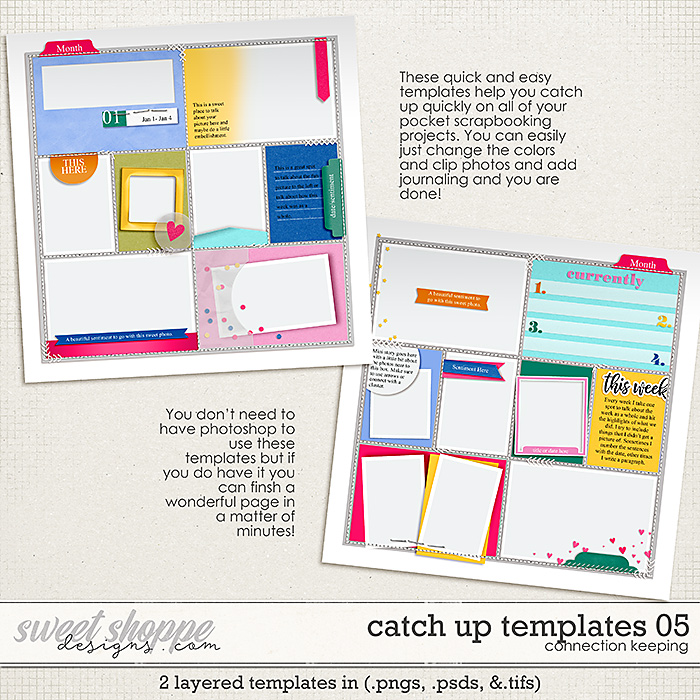
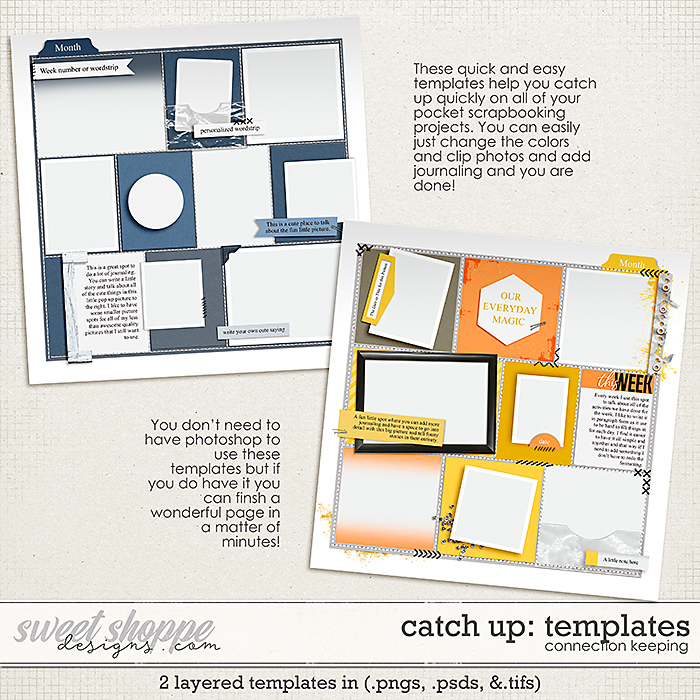
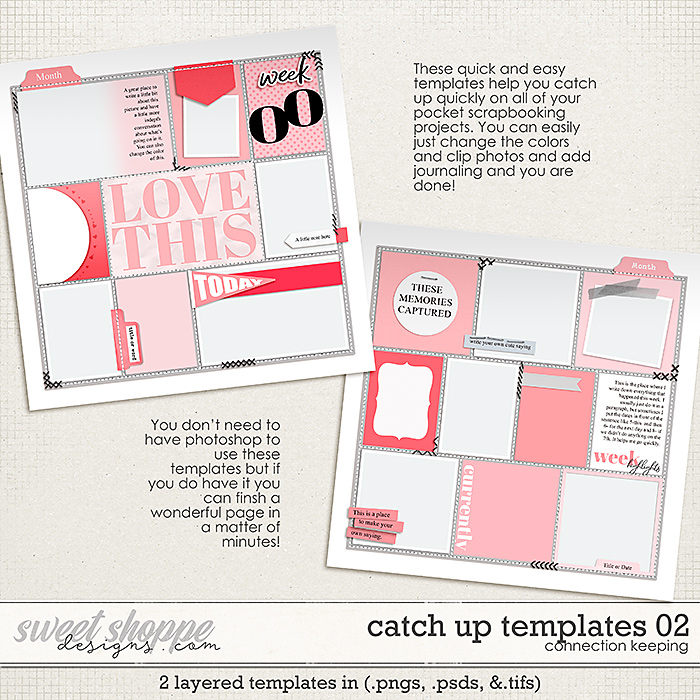
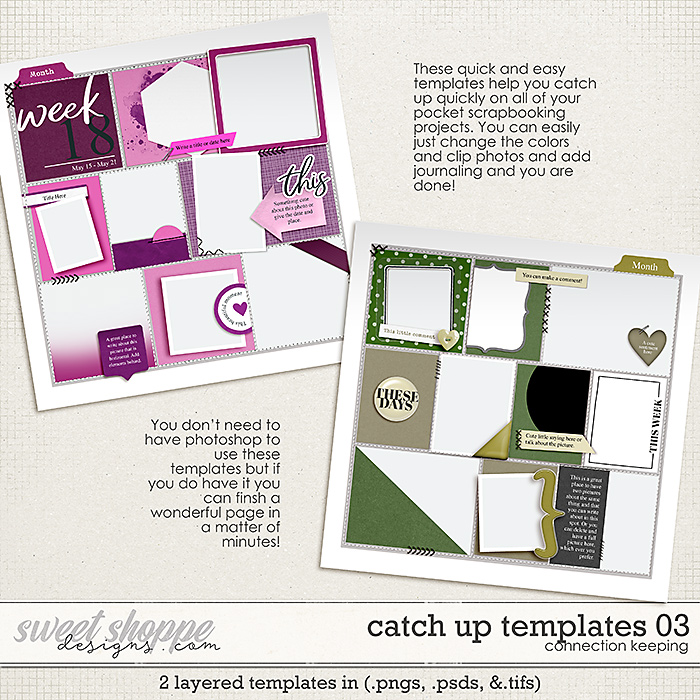
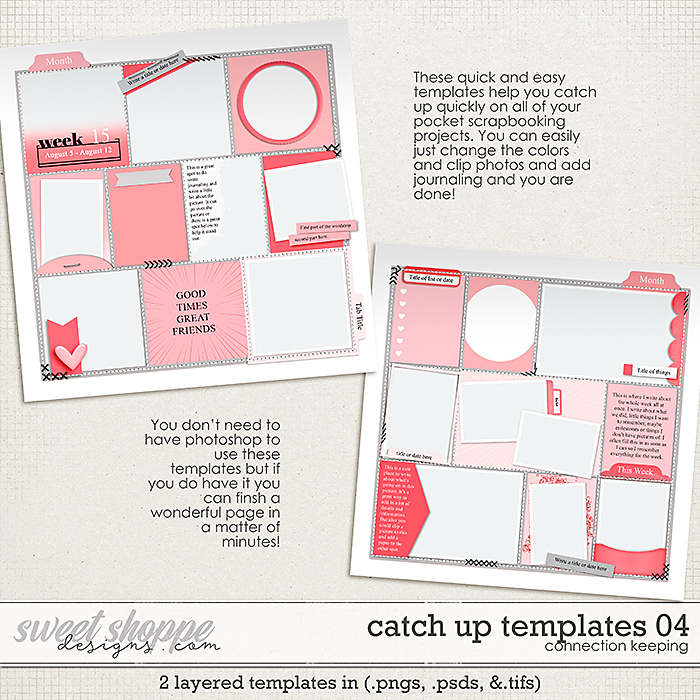
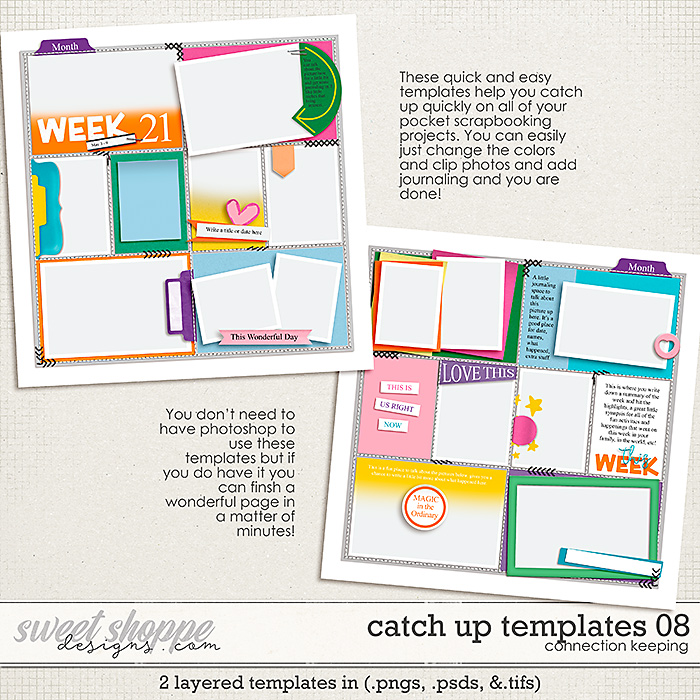
Catch Up Templates 12 are a Digital Scrapbooking Template Pack by Connection Keeping. It includes 2 templates in layered untrimmed .psds, .tiffs, or pngs to create scrapbook pages or digital art. These templates make it super quick and easy to catch up on your yearbooks, or your weekly pocket scrapbooking. If you use photoshop or a program that can handle color change then you can literally plop in the photo spots, change the paper and element colors and change the journaling and you have a brand new layout. If you have another program you can still use these. It's set up like a regular template and you can just clip papers to the different elements and spots. Check out below for tips, tricks and information.
This Digital Scrapbook Template Pack Includes: 2 Different template styles that each come in layered .psds and layered .tifs and layered untrimmed .pngs.
*About this template's journaling:
- All the journaling layers use the font Times New Roman; it's a pretty universal font so it should be available to you.
- In the Photoshop template, each wordstrip layer is linked to its journaling layer. You can change both the text and the colors without unlinking so that when you move the wordstrips around on your layout, the text will stay with it.
-
If you don't like having the layers linked, you can easily unlink them all.
Here's how:
Select all the linked layers in the layer tab.
Right-click on the selection and choose Unlink Layers.
(Or, you can go up to the Layer Tab's drop-down menu - the icon that looks like sandwich lines - and click Unlink Layers there.)
- Rather than using solid colors for each element, you can easily use patterned papers instead. Here's how:
- Clip your patterned paper to the element above the color layer.
- Then delete the color layer
- OPTIONAL: Change the patterned paper layer's blending mode to Overlay. This isn't totally necessary but it allows the dimensional shading of the element to show through and look more realistic.
Here are two youtube videos using the 01 and 02 set of Catch up templates. Video 1 and Video 2 (video 2 is shorter).
I hope that you have so much fun playing with them email: [email protected] if you have any issues!
Sample layouts may include elements or use templates that are not included in this product.
For more ideas and inspiration featuring Connection Keeping products, visit my gallery.
This product is licensed for: Personal Use {PU} © Connection Keeping - All Rights Reserved





 NEW Releases