One Template, Twelve Ways with Alchemy Wild – October 27
What’s your opinion of layered digital scrapbooking templates? Do you consider them an essential tool in your memory-keeping toolkit? Or do you think they stifle creativity?
Here at the Sweet Shoppe, we ADORE layered templates! And we’re convinced that they actually offer lots of opportunities to make unique and creative pages, all based on a professionally-designed layout. Today, we’re here to prove it!
It’s time for the October installment of “One Template, Many Ways” – where we challenge the creative team here at the Sweet Shoppe to use one single layered template in as many ways as they can dream up. The idea is to show you just how versatile one layered digital scrapbooking template can truly be!
This month, we’re excited to showcase the clustery goodness of Alchemy Wild Studio. Amber specializes in creating carefully crafted, versatile, and easy-to-use layered digital scrapbooking templates available in PSD, TIFF, and PNG formats. She is known for her use of detailed element clusters, shaped photo masks, and fun seasonal themes.
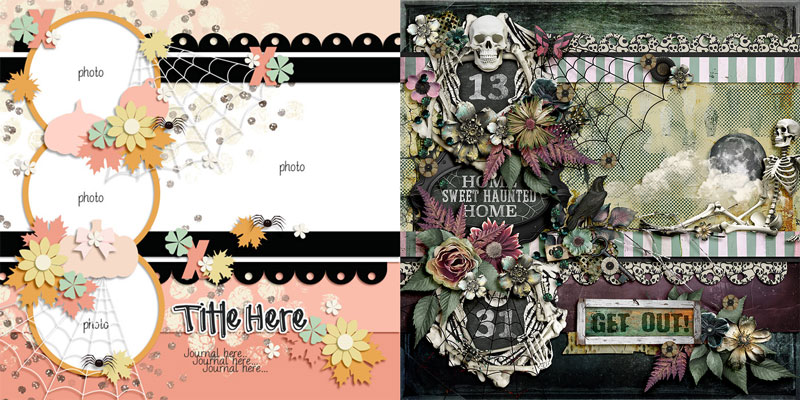
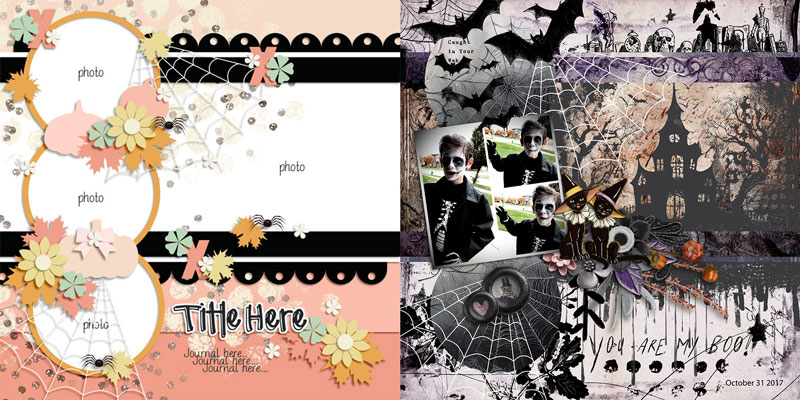
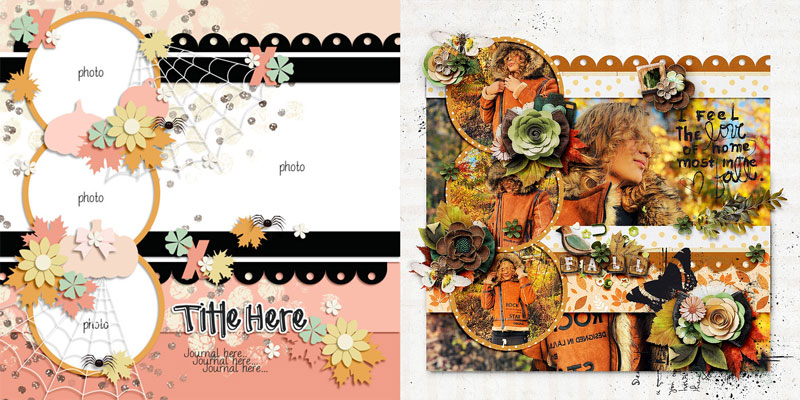
One of Amber’s most recent releases is the four-template pack Strange and Wonderful Layered Templates. It features large rectangular photo masks anchored to the background topped with floating circular photo spots. With its clusters filled with pumpkins, spiders, and spiderwebs, it has a decidedly autumnal and Halloween feel:
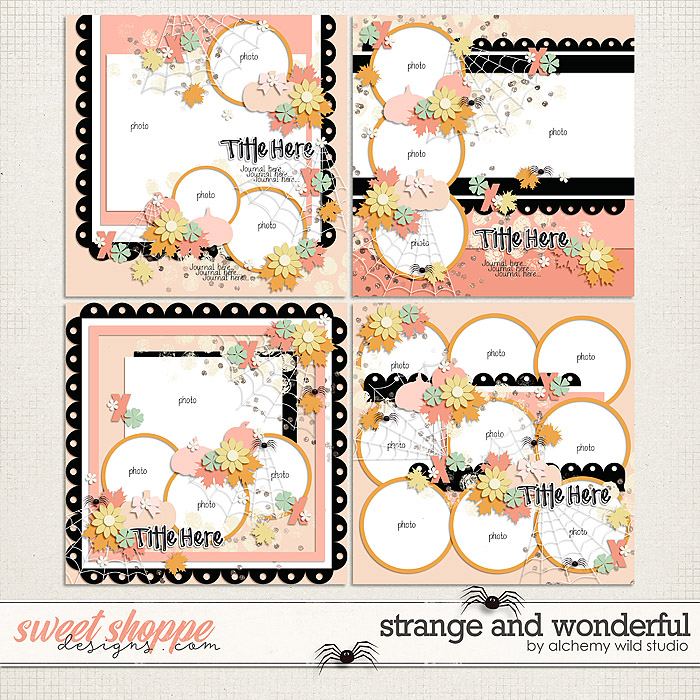
Today’s post focuses on the template in the upper right corner.
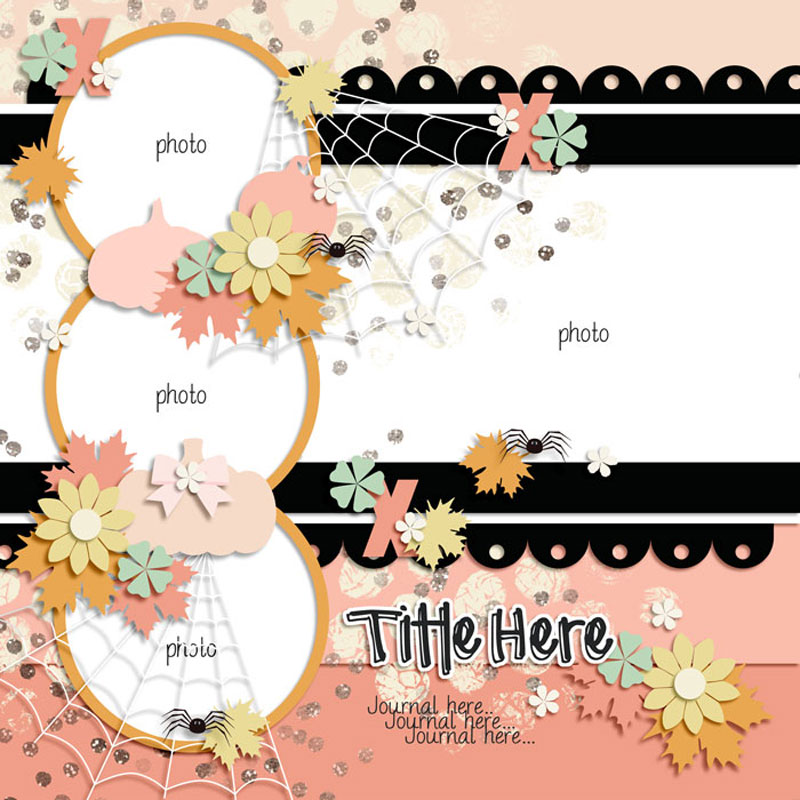
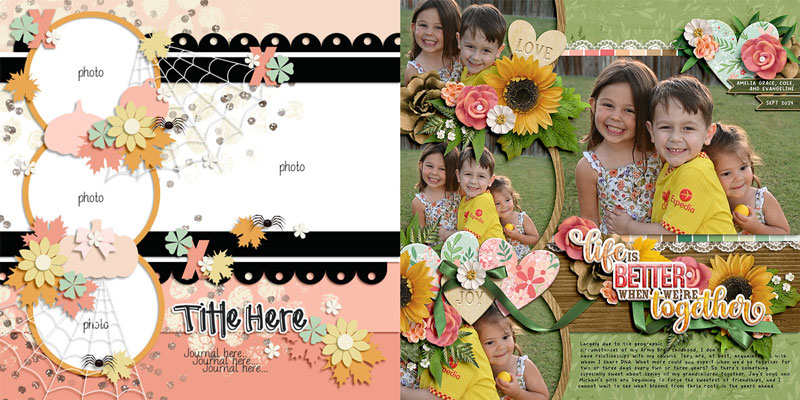
It has a large landscape photo space running across the background, three additional circular photo spots, as well as room for a title and journaling, topped off with all the clustery goodness Amber is known for.
We gave this template to the Sugar Babes and asked them to use it to create as many unique layouts as they could come up with. Of course, you can do this by simply using a different digital scrapbooking kit, but they went way beyond the basics. Each of the Babes took a unique approach to using the template, and the results are nothing short of amazing. Just wait until you see all the ways you can use this one template!

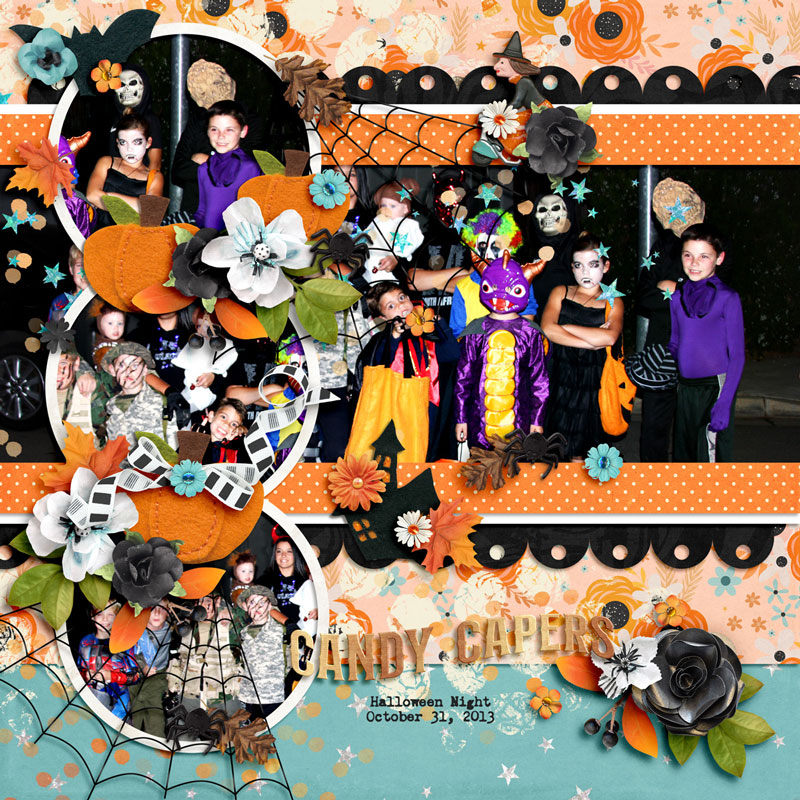
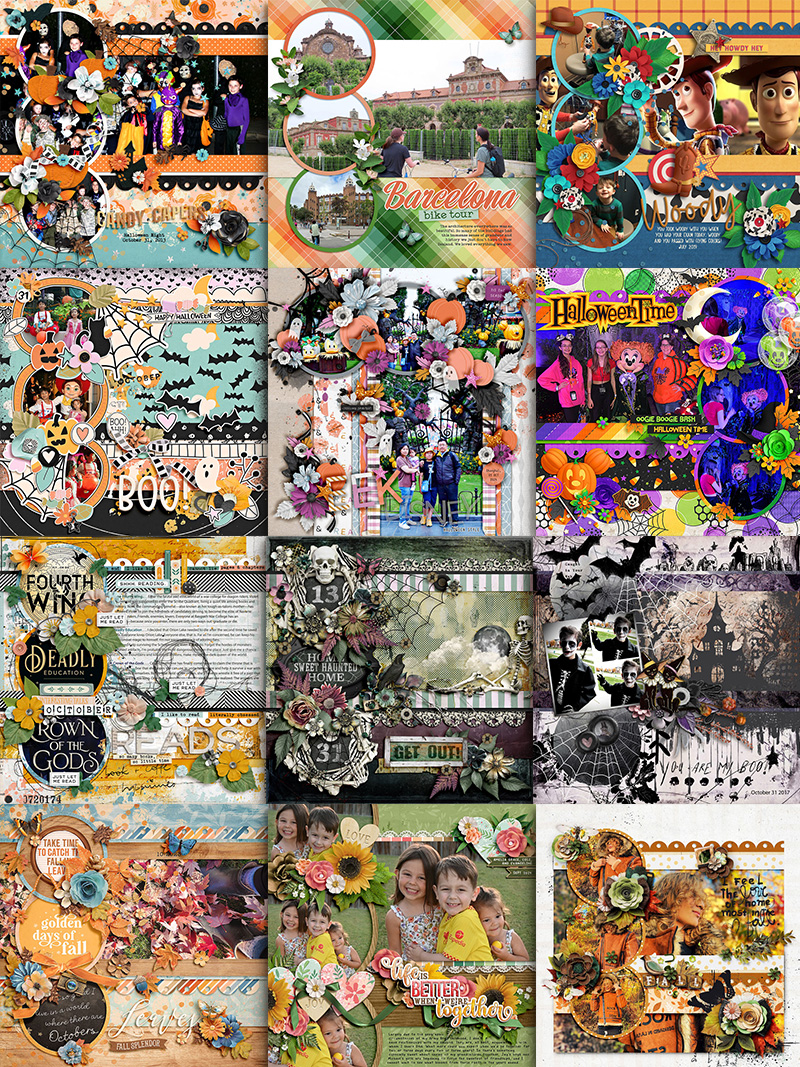
Carrie starts us off with this Halloween-themed layout. She used the template in its most straight-forward way, clipping photos, papers, and elements to each layer. It’s a gorgeous example of using a template exactly as it’s designed.
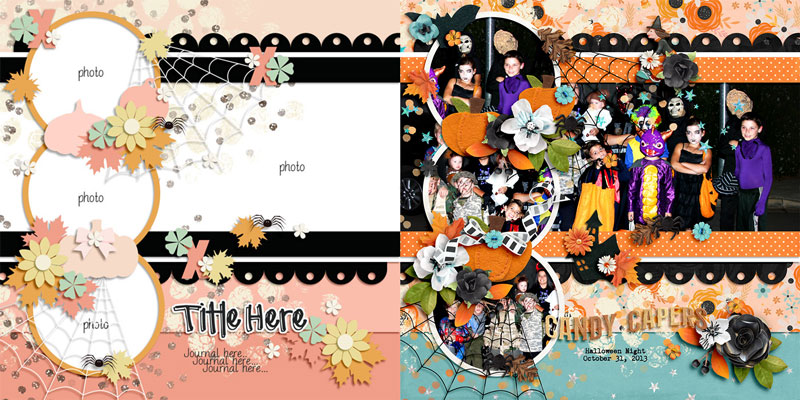

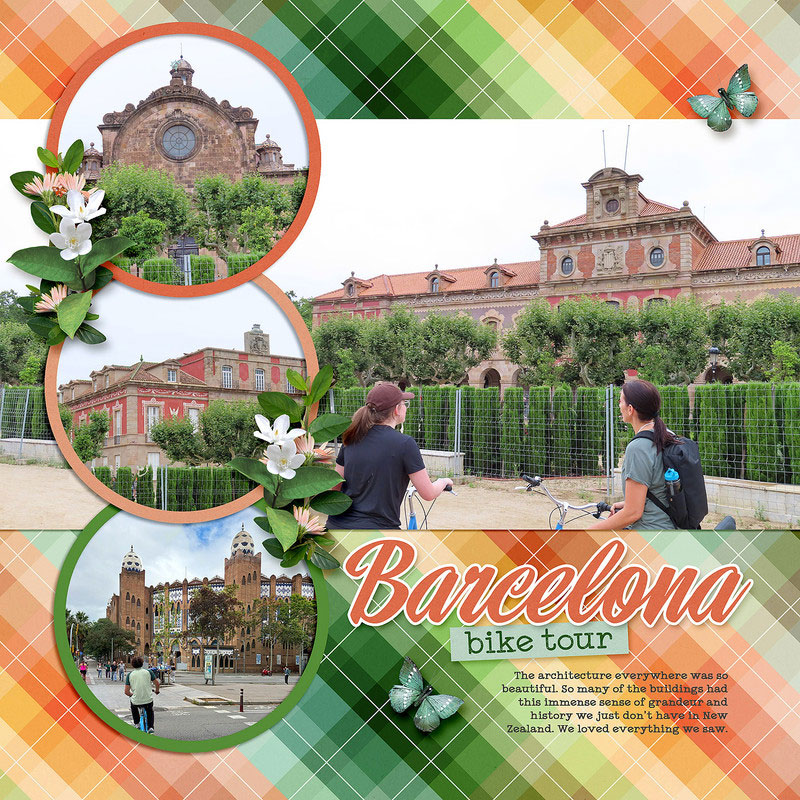
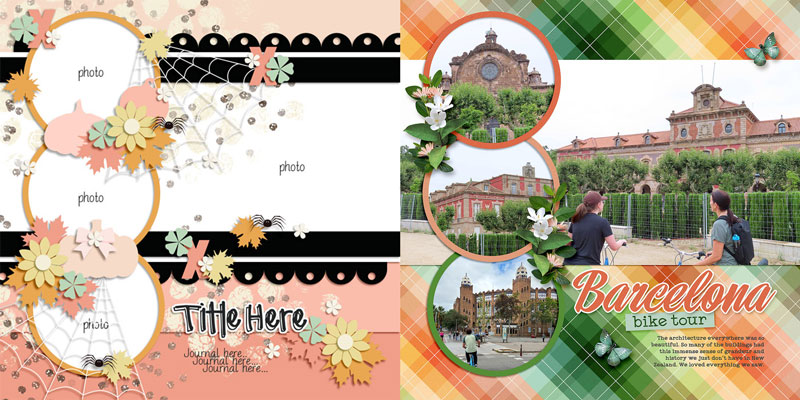
If you’re more of a clean-and-simple scrapbooker, you’re going to love Jacinda’s layout. She simplified the template by deleting layers filled with paint, ribbons, and spiderwebs, and paring back the element clusters to just a few floral and foliage elements. The page is beautifully balanced, relying on the “bones” of the original template while eliminating most of the extras.

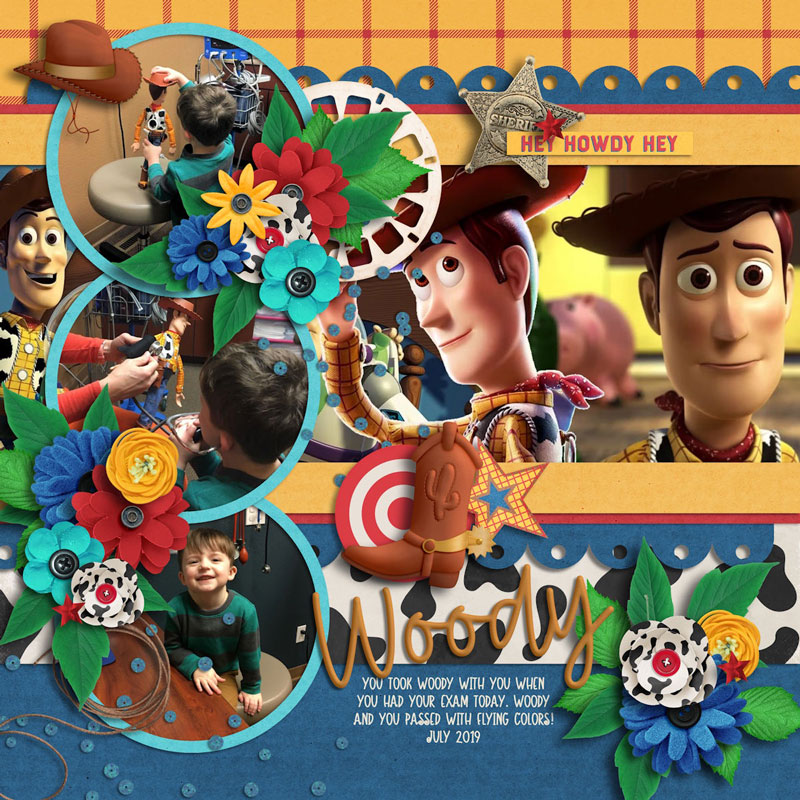
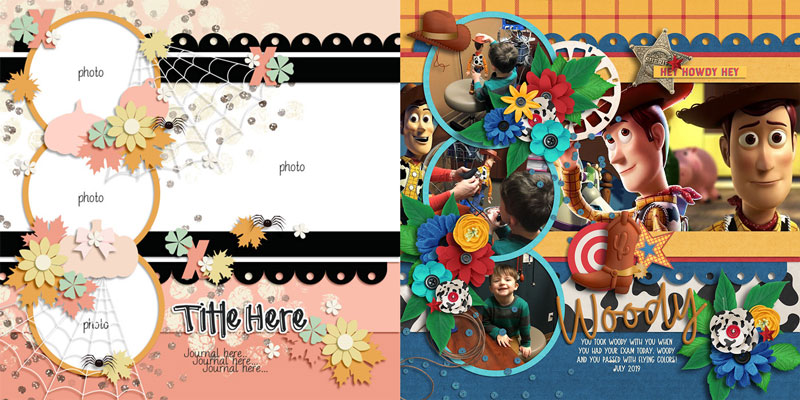
Jill gives us a great example of thinking beyond the original theme of the template. Remember – just because the template has a specific theme doesn’t mean you can’t stretch it beyond its original intent. Starting with the same Halloween themed template, Jill swapped out the spiderwebs for similarly-shaped confetti scatters. Those pumpkins in the element clusters became flowers, and she eliminated the spiders entirely. The end result is an adorable Toy Story themed layout!

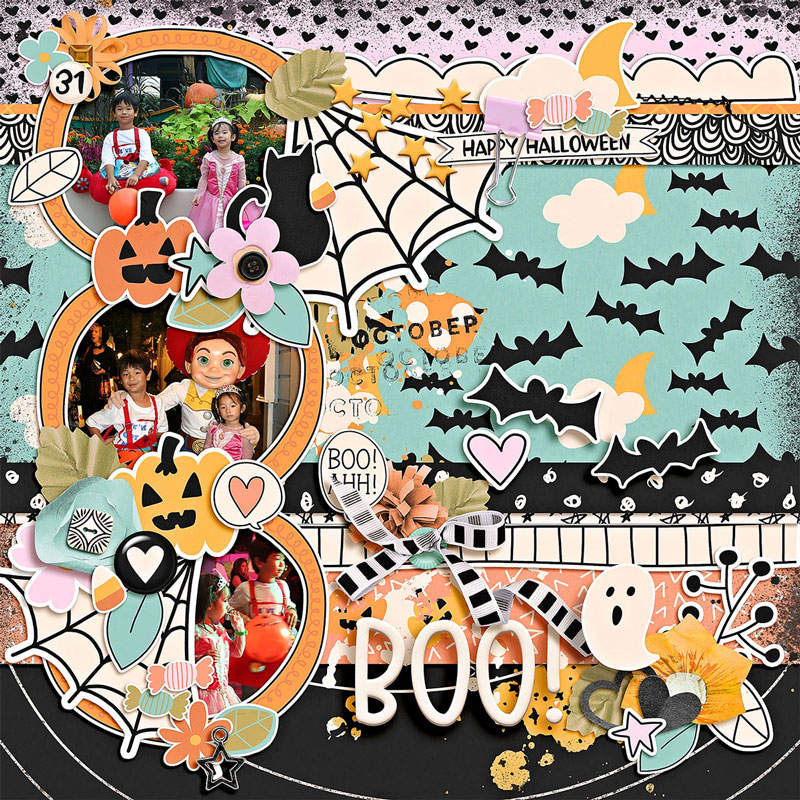
Don’t want a big photo spread across your page background? No worries! Eve shows us a great approach to take when those three smaller photo masks are all you need. She clipped a patterned paper from her kit to that large, landscape photo space instead. It’s a perfect solution!
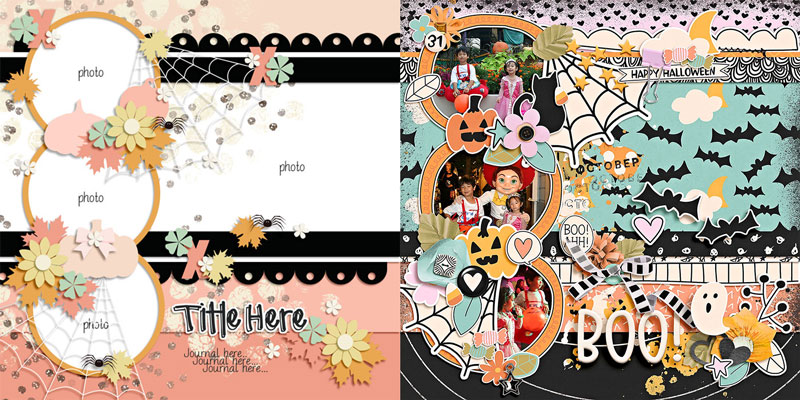

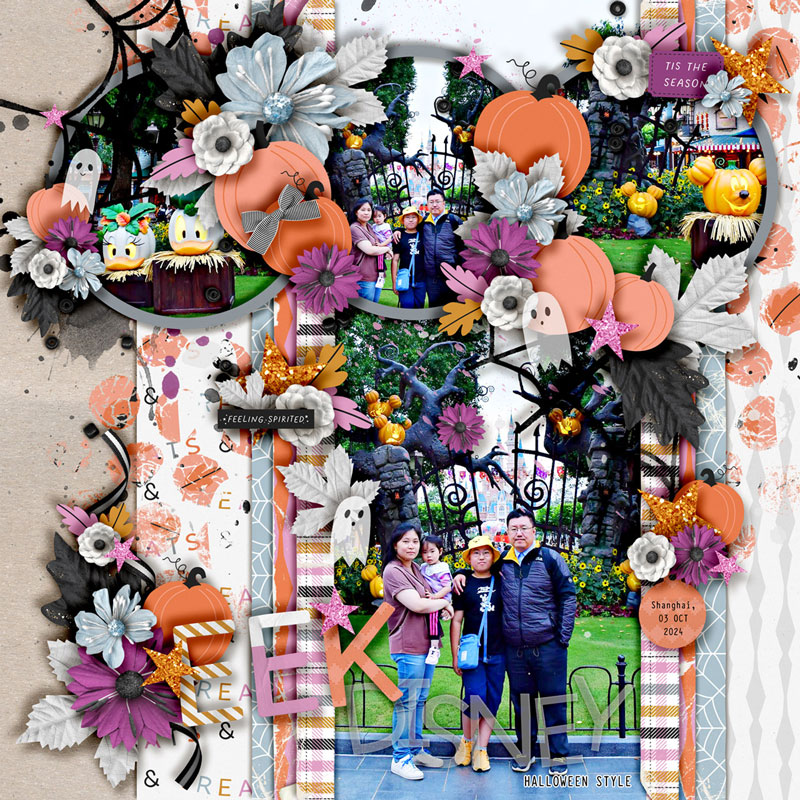
Sherly shows us a great example of a literal “spin” on the original template … by spinning or rotating it 90 degrees clockwise! This approach is one you’ll want to reach for when your photograph is the opposite orientation of your template. Sherly’s focal point image is in a portrait orientation, but the template was designed with a large landscape photo mask. By rotating the canvas 90-degrees, she now has the perfect space for her portrait image.
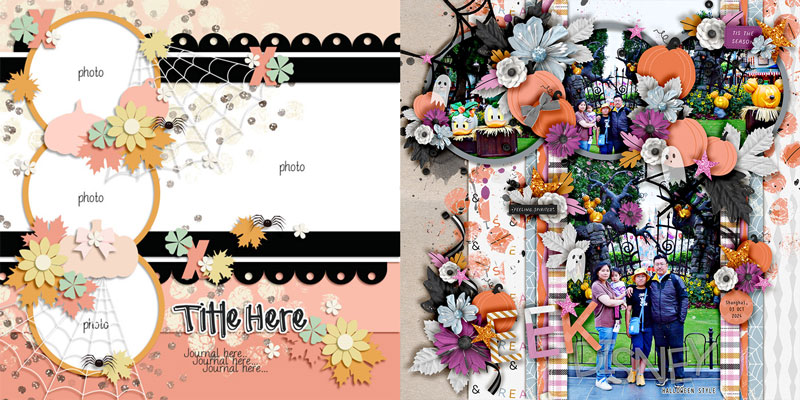

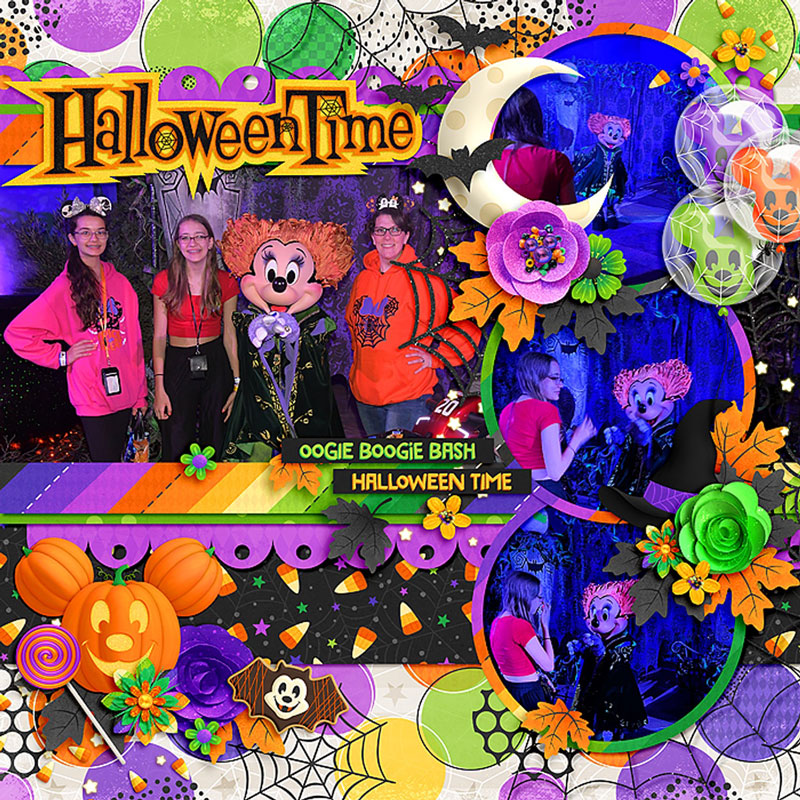
Cassie’s layout demonstrates the variation you can get when you flip or mirror a template. She flipped her template horizontally, which placed the trio of circular photo masks on the right rather than the left. And don’t you just love the way she used those balloon elements from the kit? So cute!
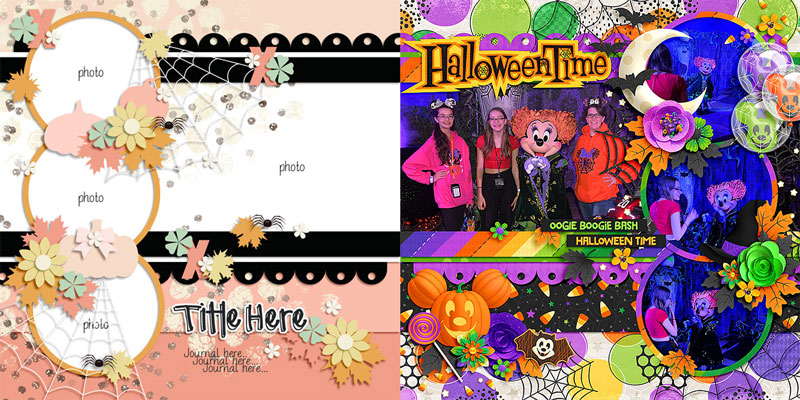

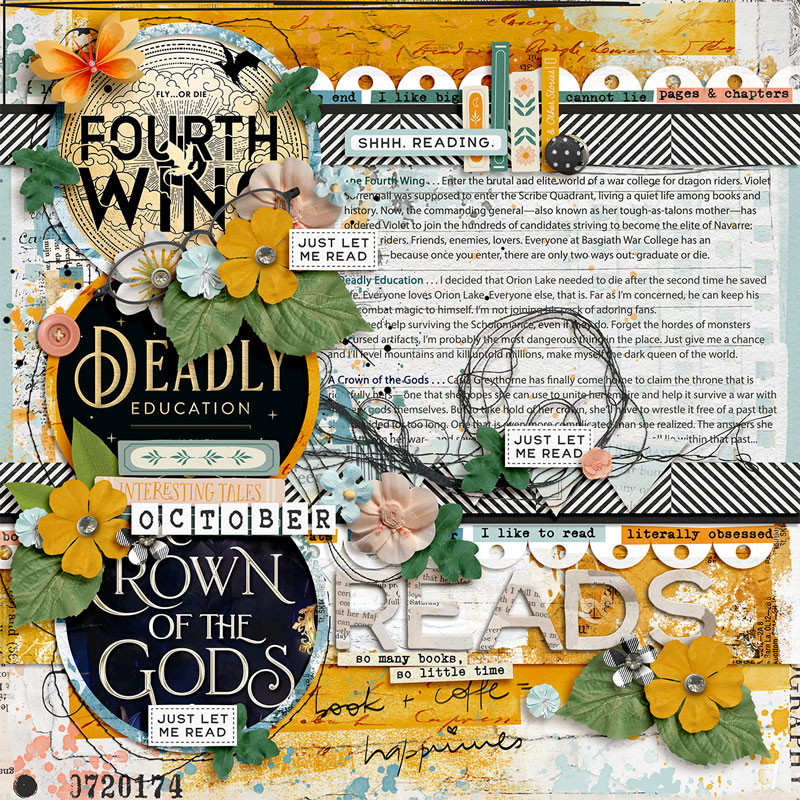
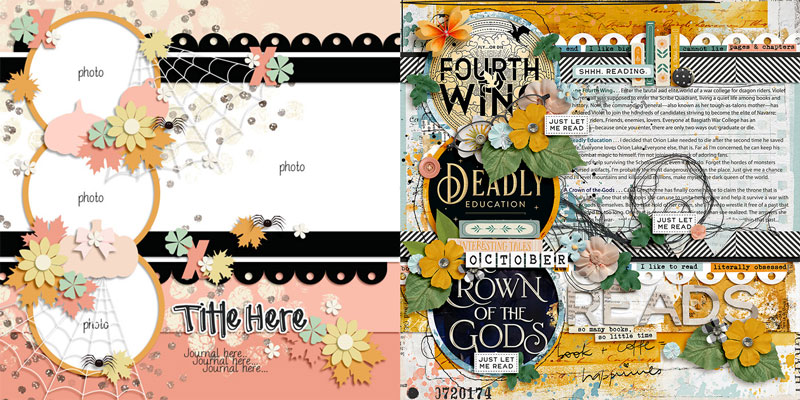
When you’ve got a longer story to tell or lots of text to include on your layout, work it like Judie and turn a large photo mask into your journaling block! In this layout focused on three of her recent reads, she used the circular photo spots to hold images of the book covers and placed the book synopses in the large rectangular mask. Brilliant!

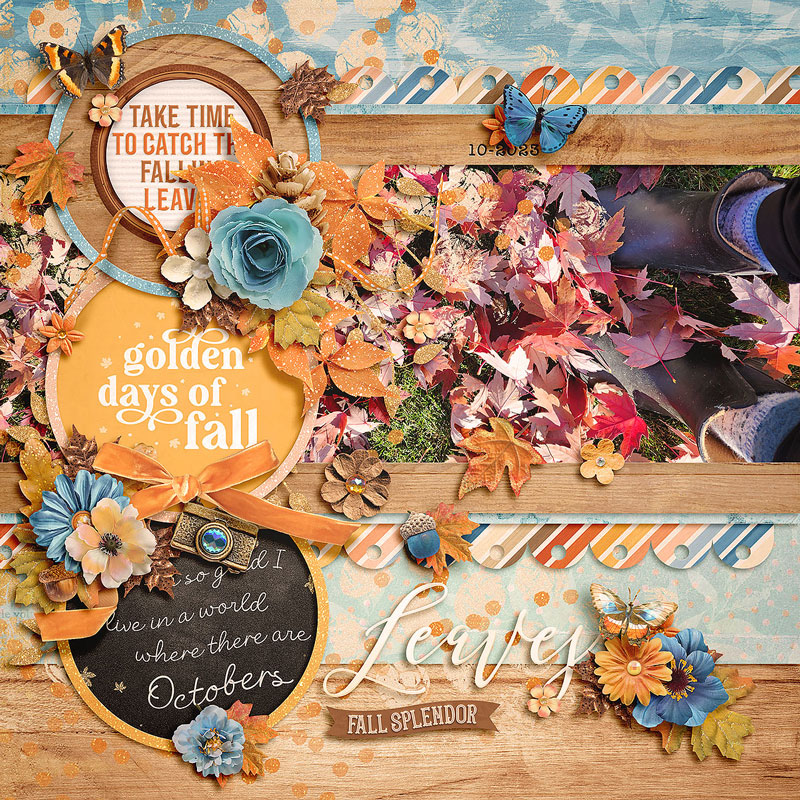
Amie’s layout reminds us just because the spot on the template says “photo”, you don’t have to limit yourself. Instead, consider using pre-designed journaling cards or word art in those spaces as she did on her fall-themed layout. So pretty!
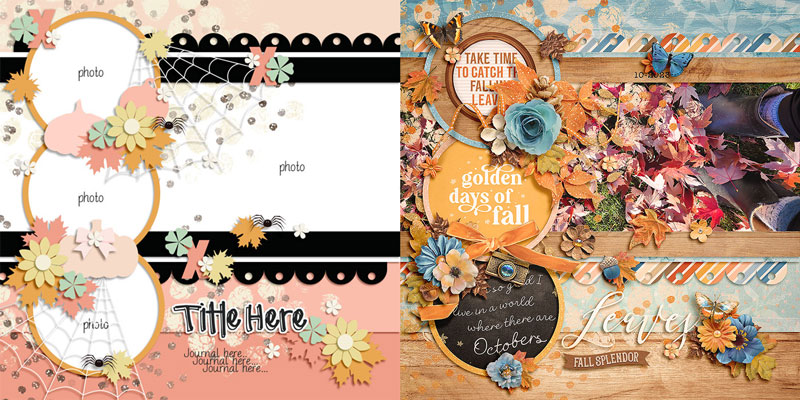
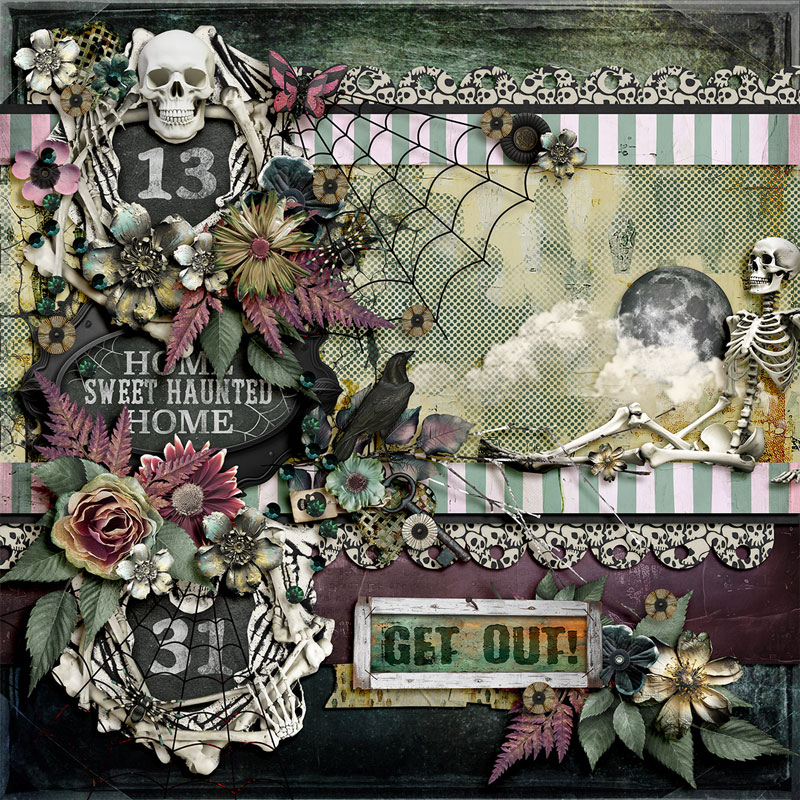
No photos? No problem! As Judie proves with her gorgeous Halloween-themed layout, you can turn any layered template into the perfect photoless page. She dedicated the three circular photo spots to word art housed in fun frames and used the largest rectangular spot for a collage made up of patterned paper, paint, and elements from the kit.

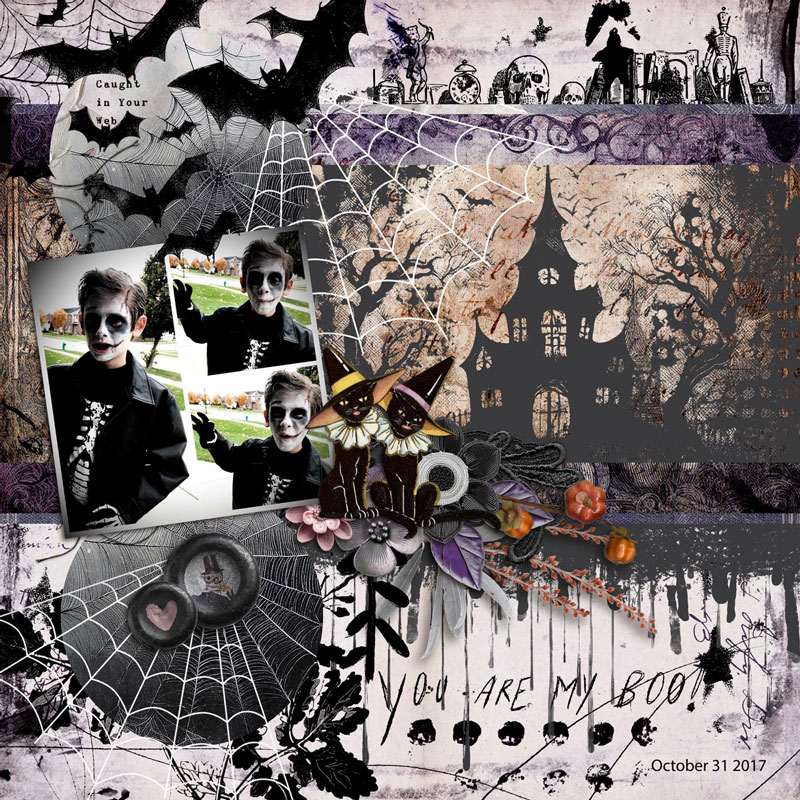
Rebecca’s spooky layout proves that when you’re feeling a little “artsy”, you can make any template work for an art journaling style page. I love the way she used the round photo spots to clip paper with a spiderweb texture (bringing to mind the idea of a full moon) and changed the center circular spot into a square photo collage. How clever is that?!?

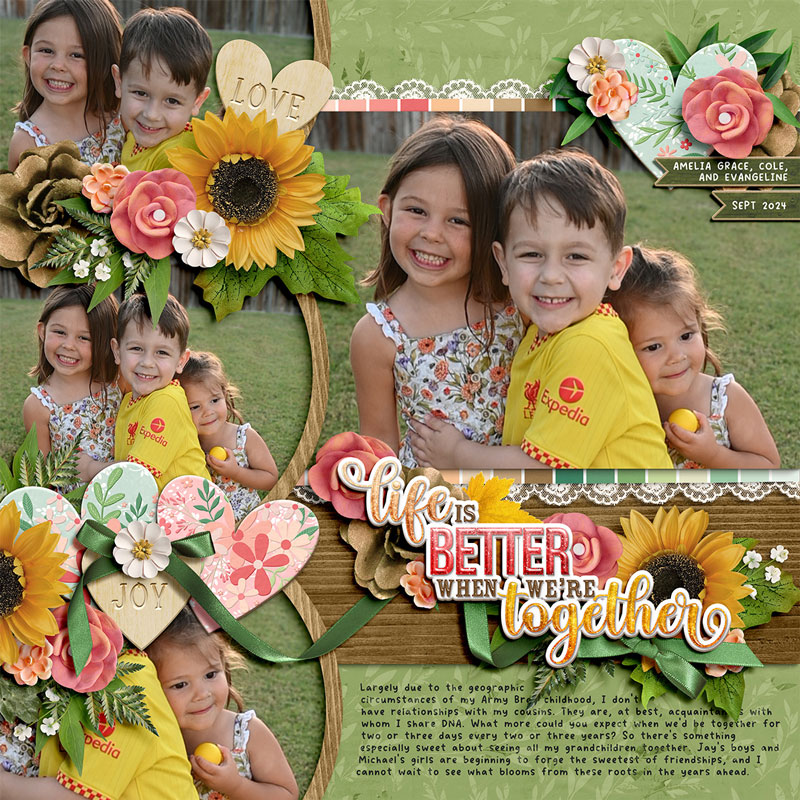
Another approach you can take with a layered template is to resize some or all of it. For this layout, I decided to zoom in on the center of the template, enlarging it until the circular photo masks stretched off the top, bottom, and left edges of the page. That left me with a large space between the rectangular photo mask and the journaling space that was crying out for a big, bold title.

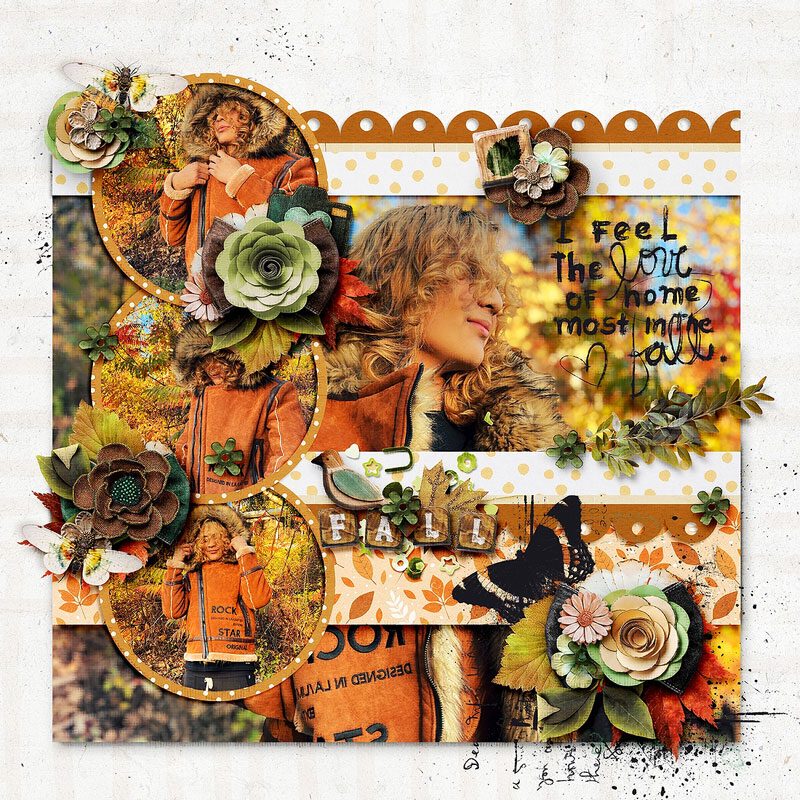
Mary took the opposite approach to my layout above when she shrunk the entire template to create a large margin around the edges of her page. I love the way she allowed some of her element clusters to break out and overhang those margins; the addition of perfect drop shadows gives her layout an added feel of dimensionality, as if you could reach into the screen and touch it.
There you have it – one layered template used to create twelve distinctly unique digital scrapbook layouts:
Layered digital scrapbooking templates truly are a fantastic tool for your memory-keeping toolkit. Whether you use them as designed or simplified; change the page theme or go artsy; fill photo masks with paper, journaling cards, word art or journaling; spin, flip, or mirror the template; zoom in to focus on part of the template or zoom out to add whitespace and margins … layered page templates make the perfect starting point for your next scrapbook layout!
bienejen said...
on November 1st, 2024 at 1:25 pm
Love to see all the different takes on this template!