One Template, Seventeen Ways with Fiddle-Dee-Dee
Welcome, friends, to the September 2025 edition of “One Template, Many Ways”, the series where we look at all the different ways you can use a single layered digital scrapbooking template. We give our team of SugarBabes the same template to work with and end up with a bushelful of beautifully unique layouts!
This month, we’re highlighting the oh-so-lovely work of Fiddle-Dee-Dee Designs. Cheryl’s templates are a treasure trove of shaped paper layers, dimensional shadows, and gorgeous element clusters. Her templates are all sized for 12″ x 12″ and are available in PSD, TIFF, and PNG formats for use with all your favorite digital scrapbooking programs.
Best of all, if you’re reading this post during the weekend of its release, the template we’re using is part of our Digital Scrapbook Day Preview Weekend sale! You can pick it up in the Shoppe for a whopping 50% off until September 30th at 12:00 noon Eastern time. It’s called Your Biggest Fan, a four-pack of templates featuring pie-shaped paper pieces spread out into the shape of a fan. Check it out:
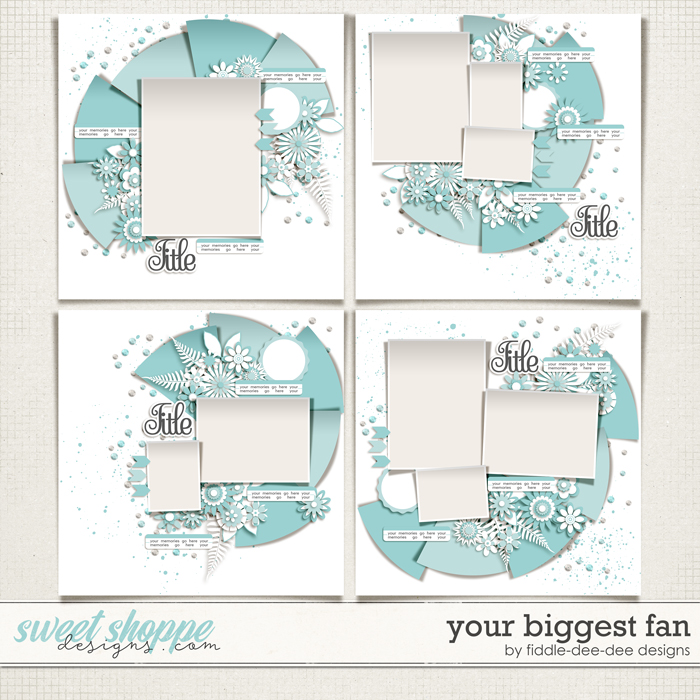
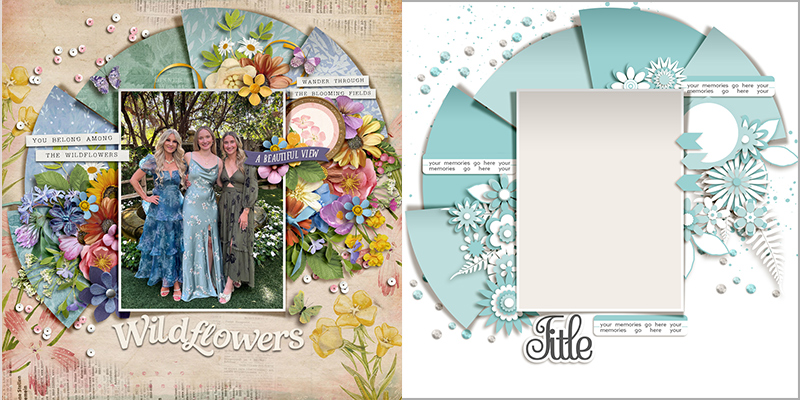
In today’s post, we’re working with the template in the upper left corner. It features one large portrait-oriented photograph anchored atop that gorgeous dimensional paper fan, highlighted by two lovely floral clusters and three paper strips for journaling.
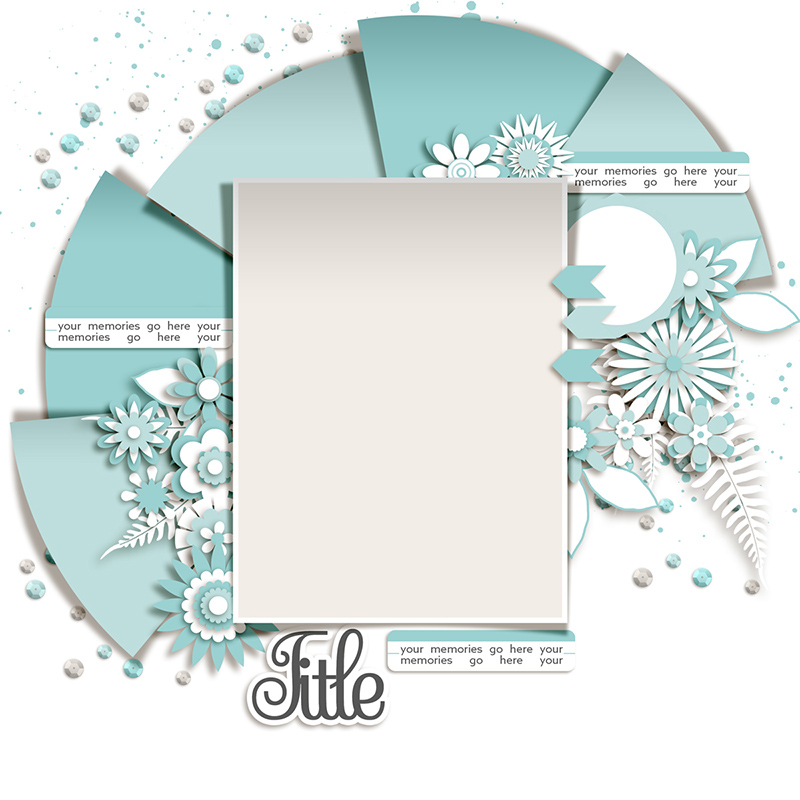
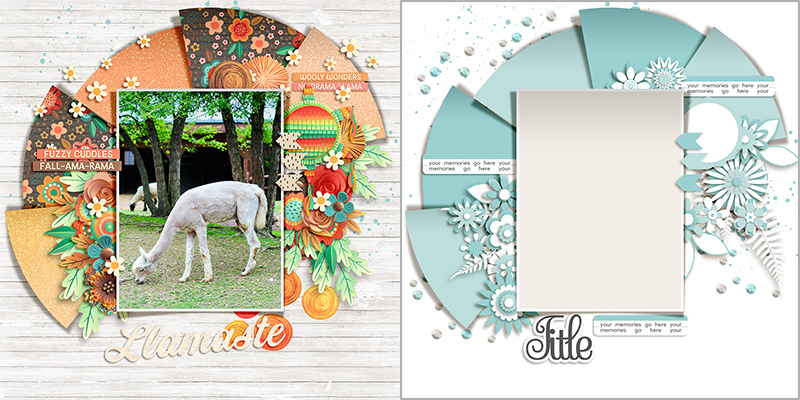
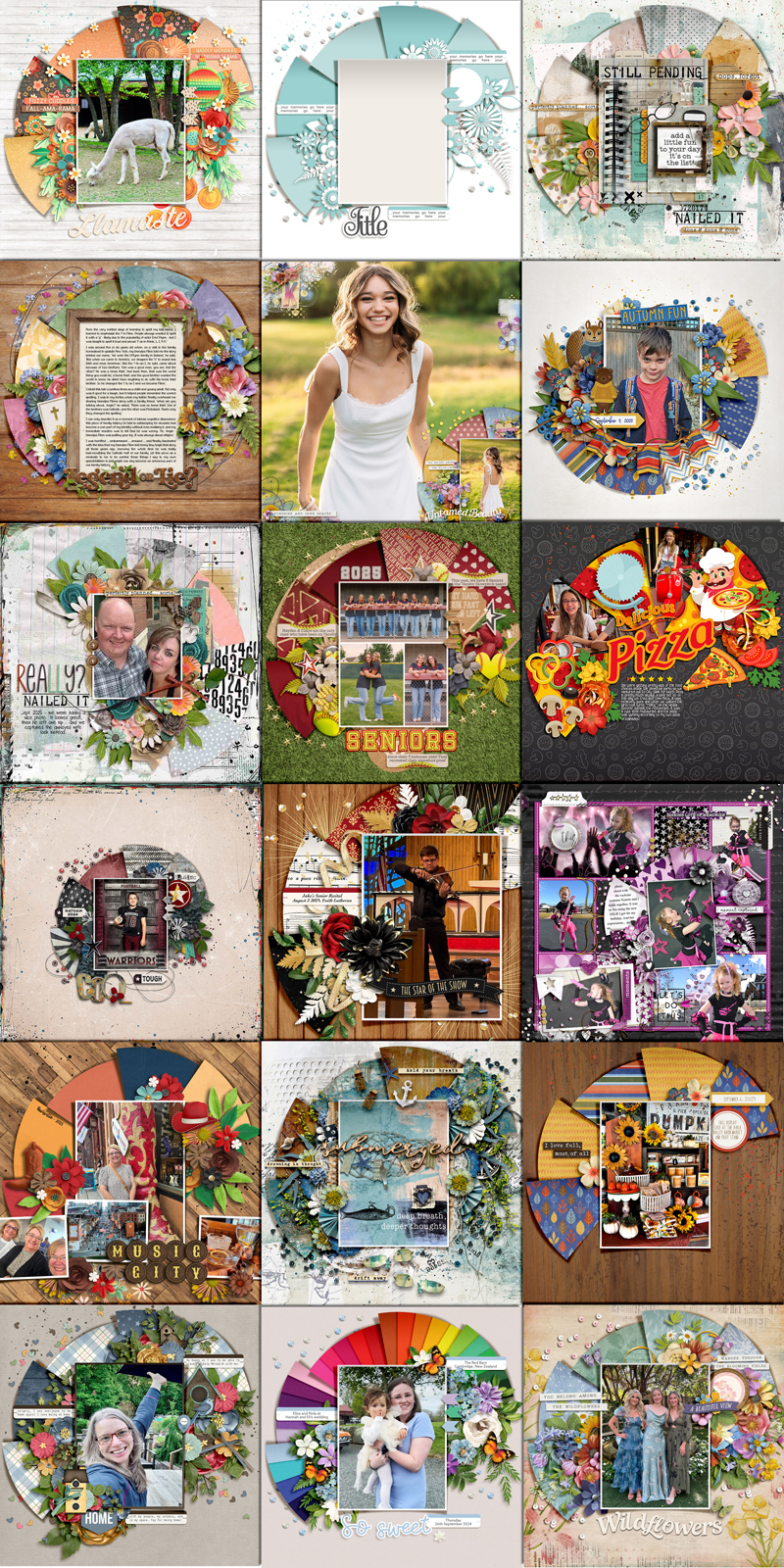
We gave this template to our creative team of SugarBabes and challenged them to use it as the starting point for as many unique layouts as they could come up with. Of course, every layout created with a template will look different when used with different digital scrapbooking kits and supplies, but there are additional techniques you can use that will result in even more uniquely lovely layouts. The Babes worked their magic and came up with seventeen different variations on this one template. Just wait until you see their lovely layouts!

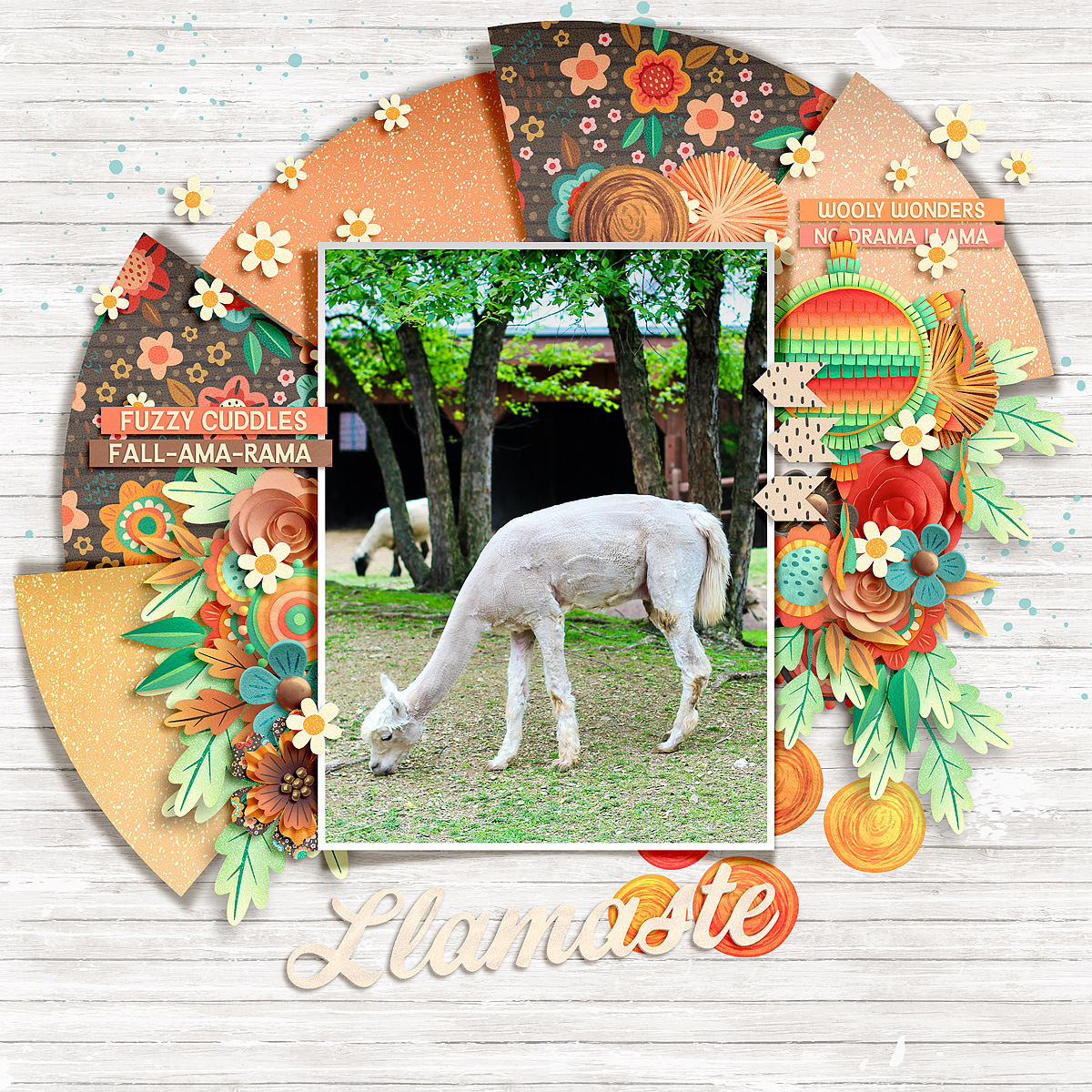
Cherry’s bright-and-colorful layout is a straightforward use of the template exactly as-is, clipping patterned papers to the shaped layers in the template, dropping in word strips and word art in place of the journaling strips and title, and adding floral and foliage elements in place of those layers in the template

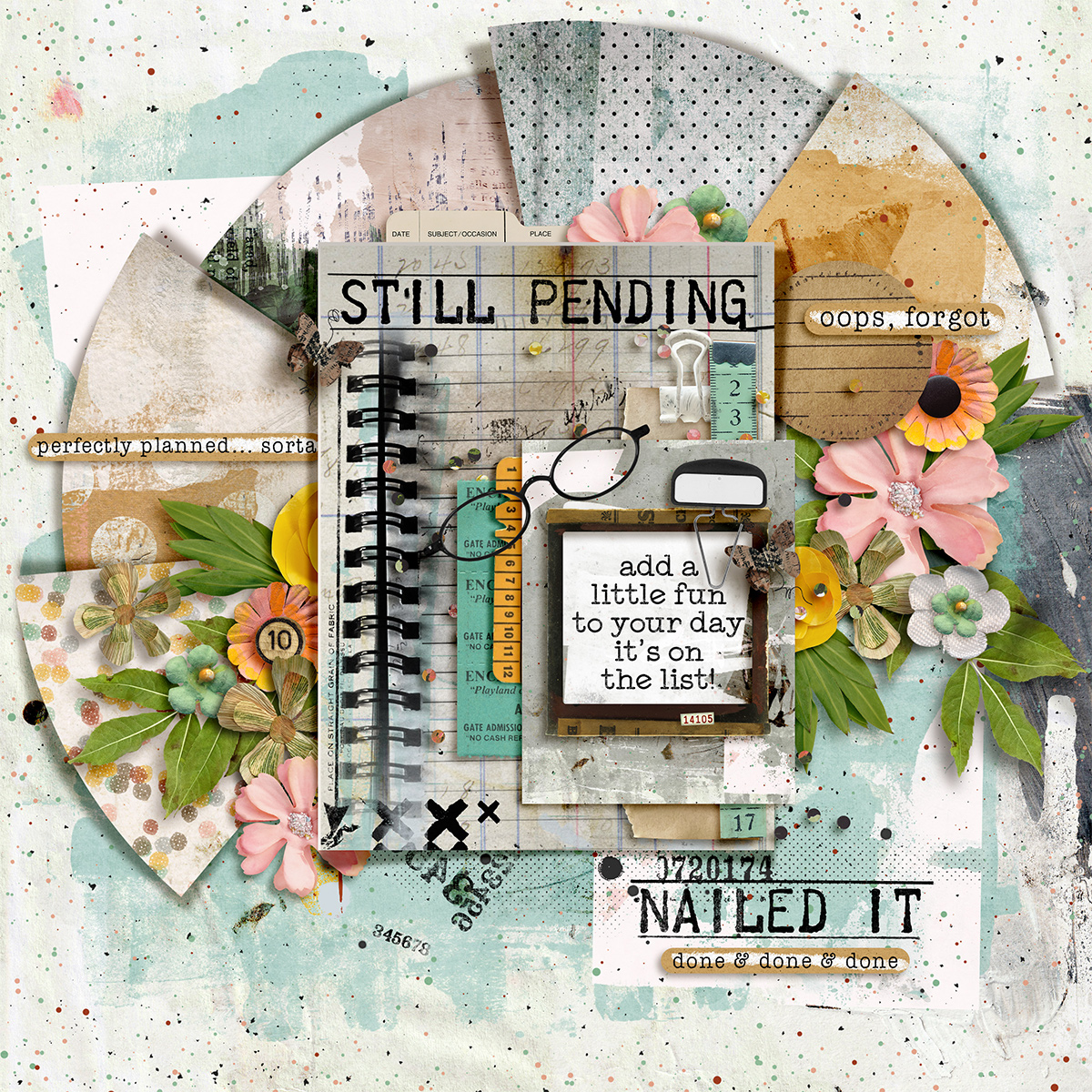
Judie demonstrates how easy it is to use this template to create a photoless layout. When you have a story to tell and no photos to use for it, try doing what she did: clip patterned papers, journaling cards, and other elements to the photo block instead.
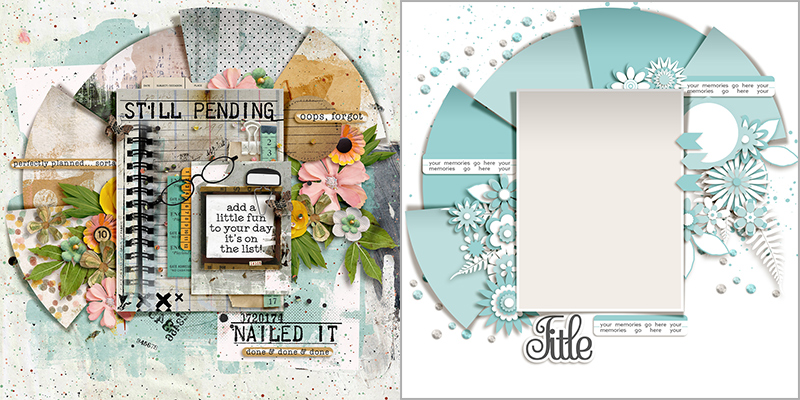

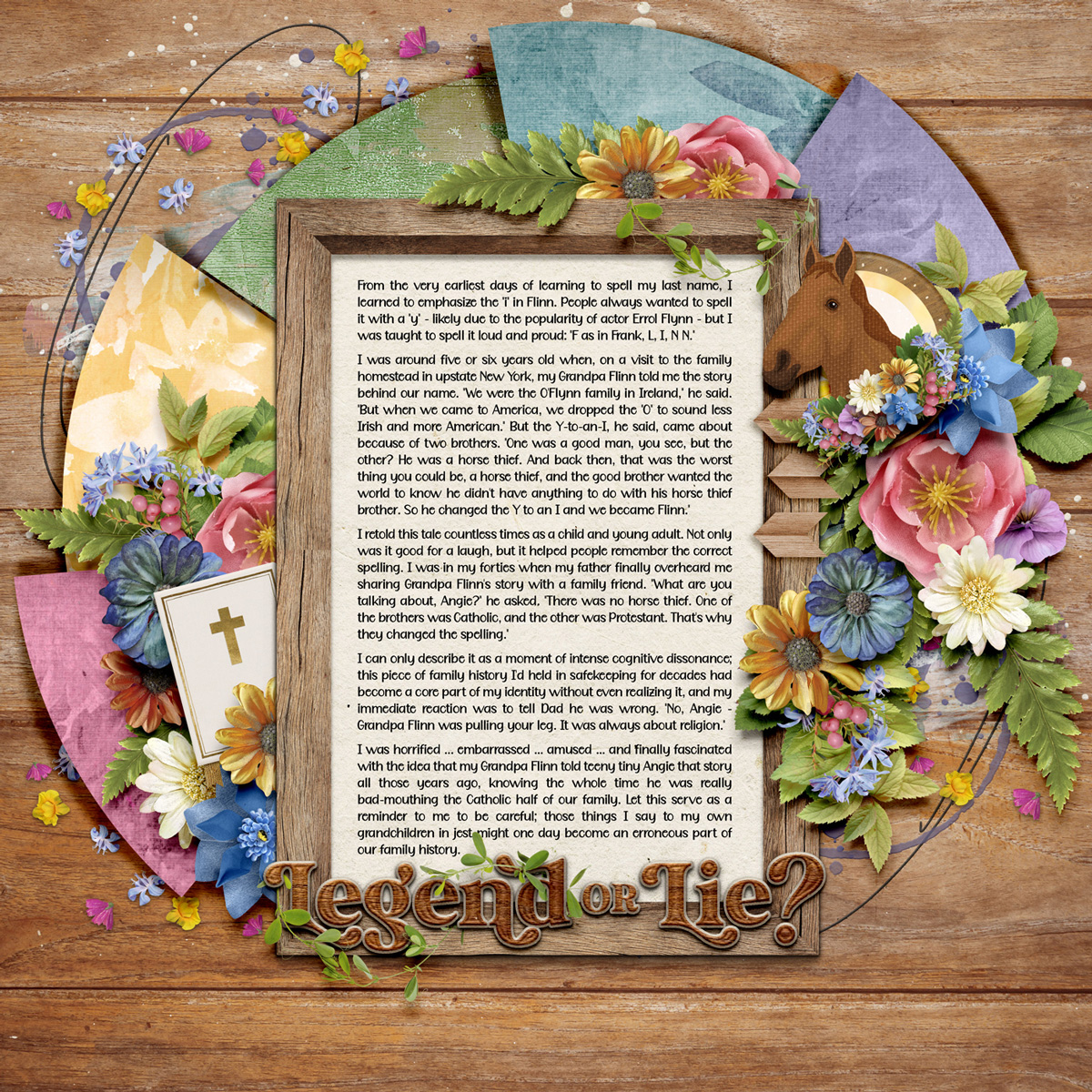
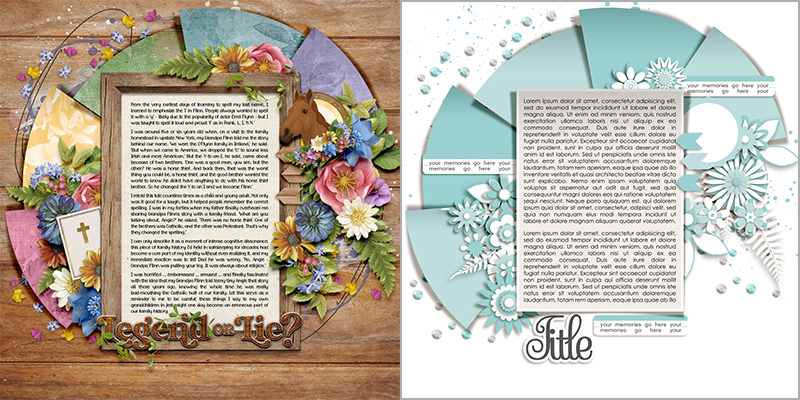
I’m as much about writing as I am about my photography, and I always seem to have more to say than I can fit on a template. When you have a journaling-heavy layout to create, consider using the photo block for your words instead of an image.

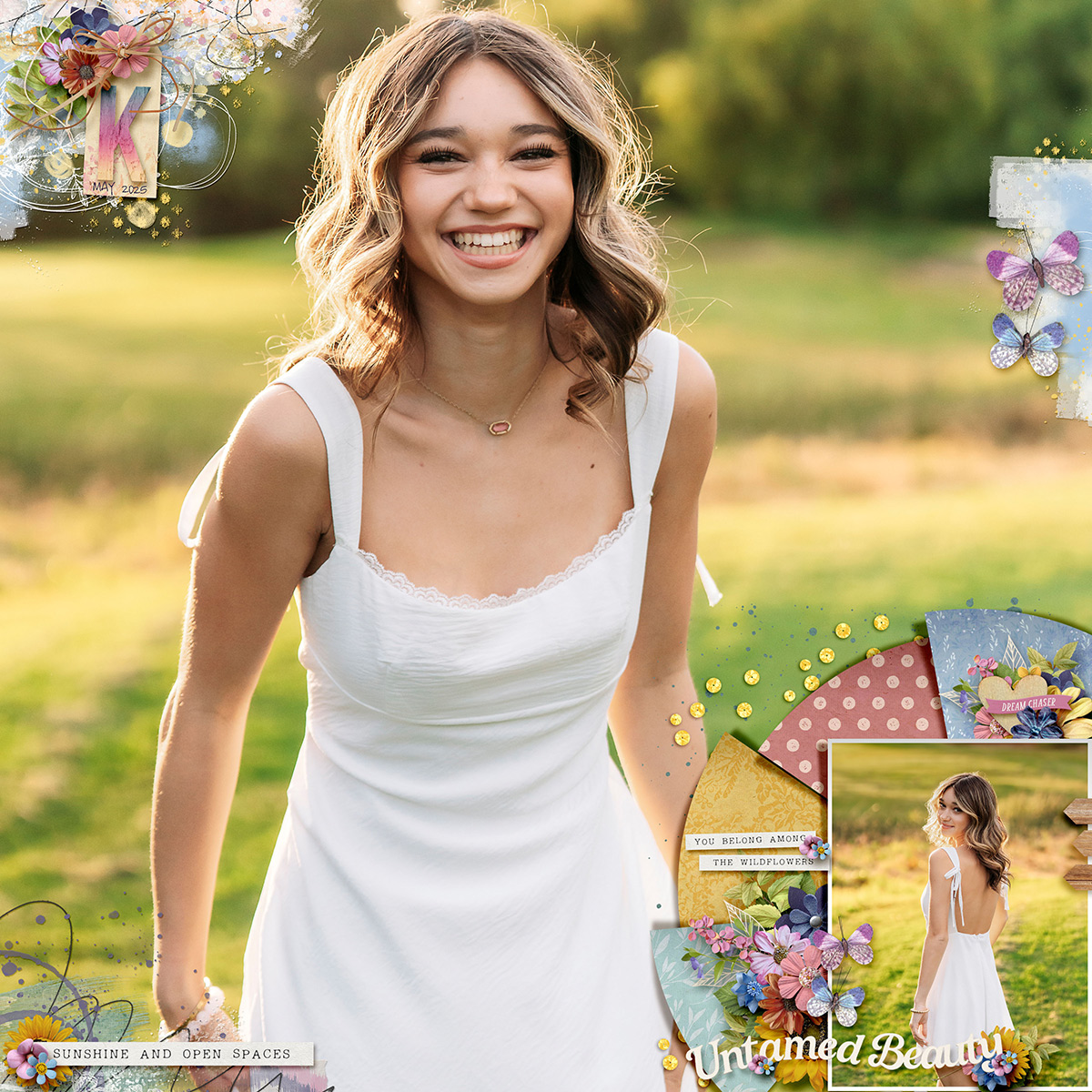
When you’ve got a photograph as stunning as this one, you want it to run from edge-to-edge on your layout. Krista shows us how you can use a template to enhance your full-page photograph by shrinking the template’s layers and moving them to an empty space on your photograph. By placing it in the lower right corner of her page, she was able to add a second, smaller photo to the layout as well as the lovely little flowers and bits of patterned paper.
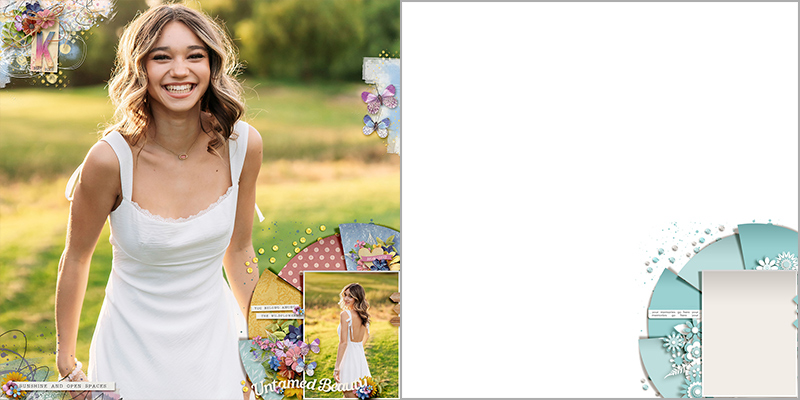

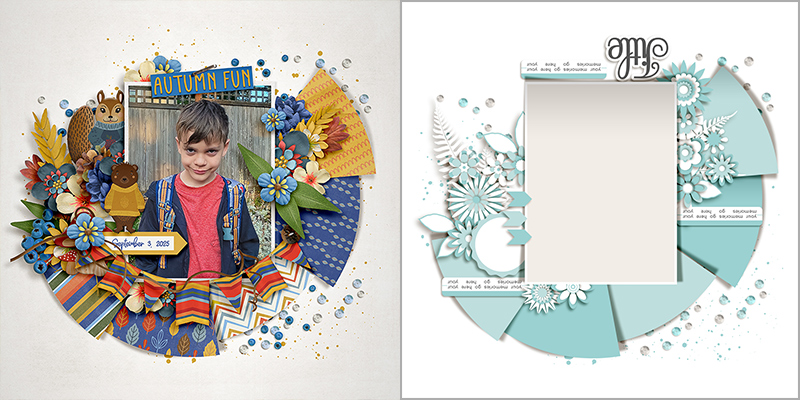
Sheri took this template for a literal spin and rotated it 180-degrees. This moved the paper fan to the bottom of the layout and the title to the top while still keeping the photo in its portrait orientation.

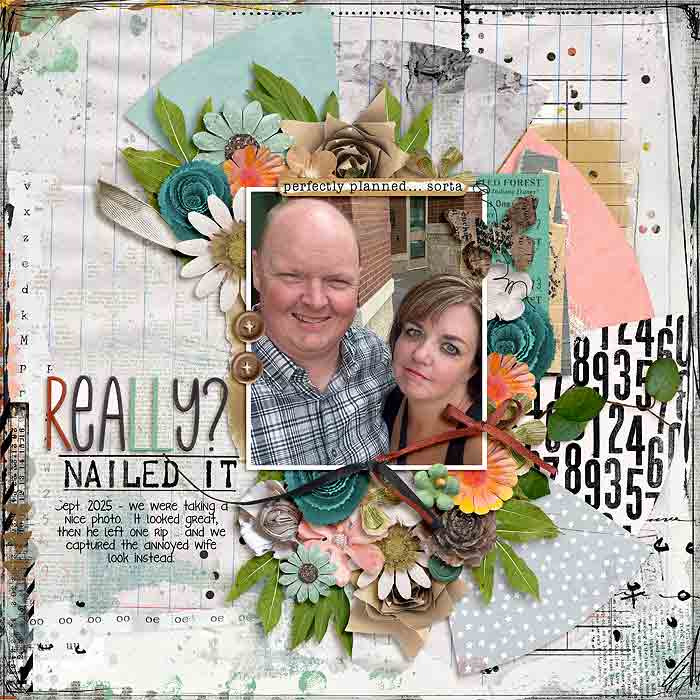
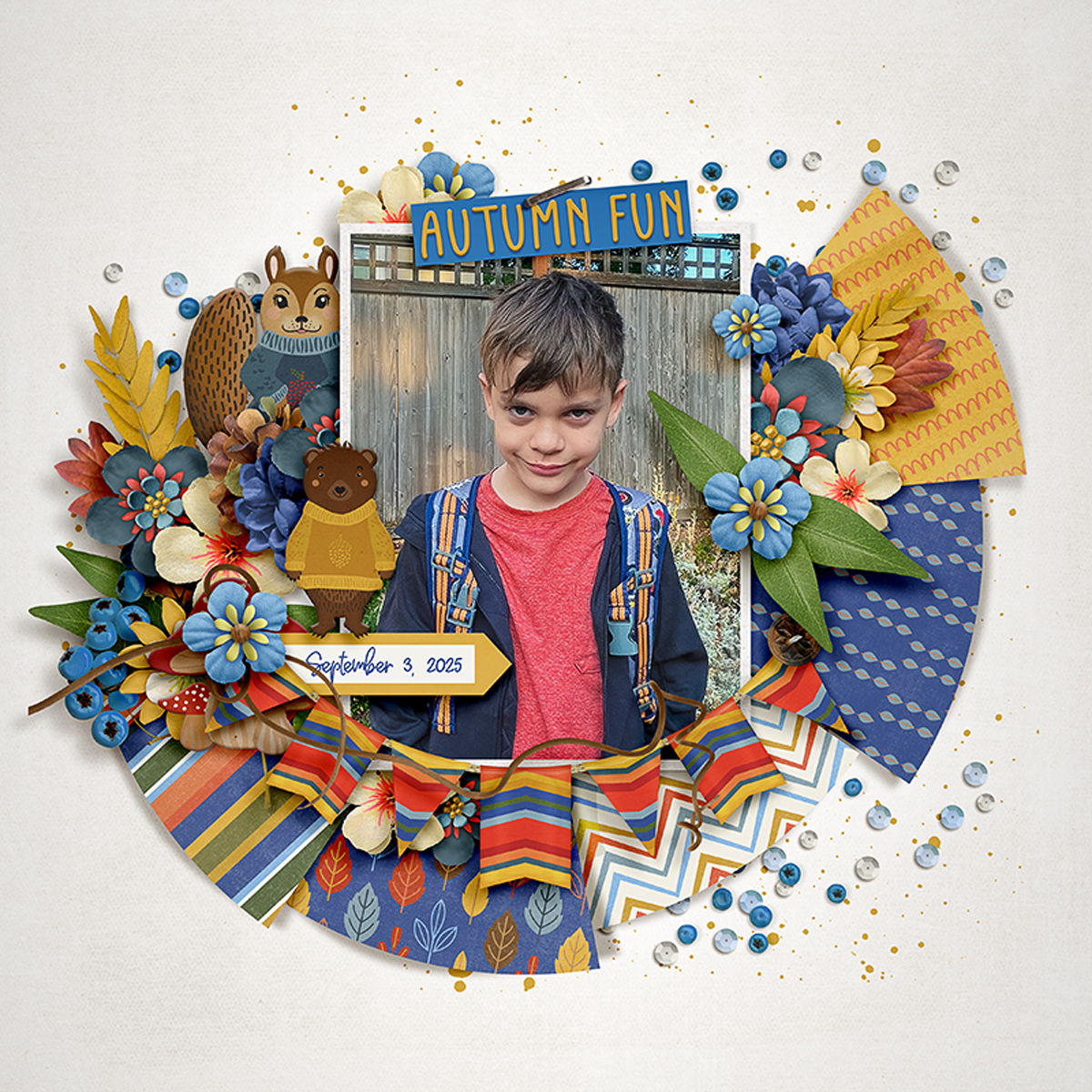
Trina also took the template for a spin by rotating it 90-degrees clockwise. This change in orientation moved the paper fan to the right of the page, giving the layout a different look. And remember, you can always change the orientation of the photo mask if your photograph is a different orientation than it winds up after the page rotation.
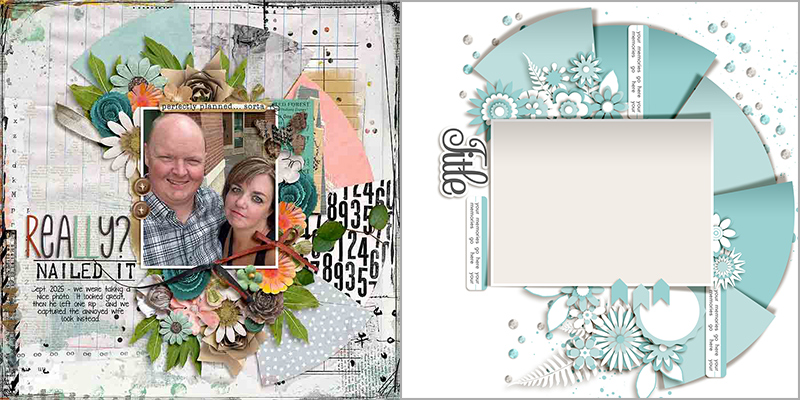

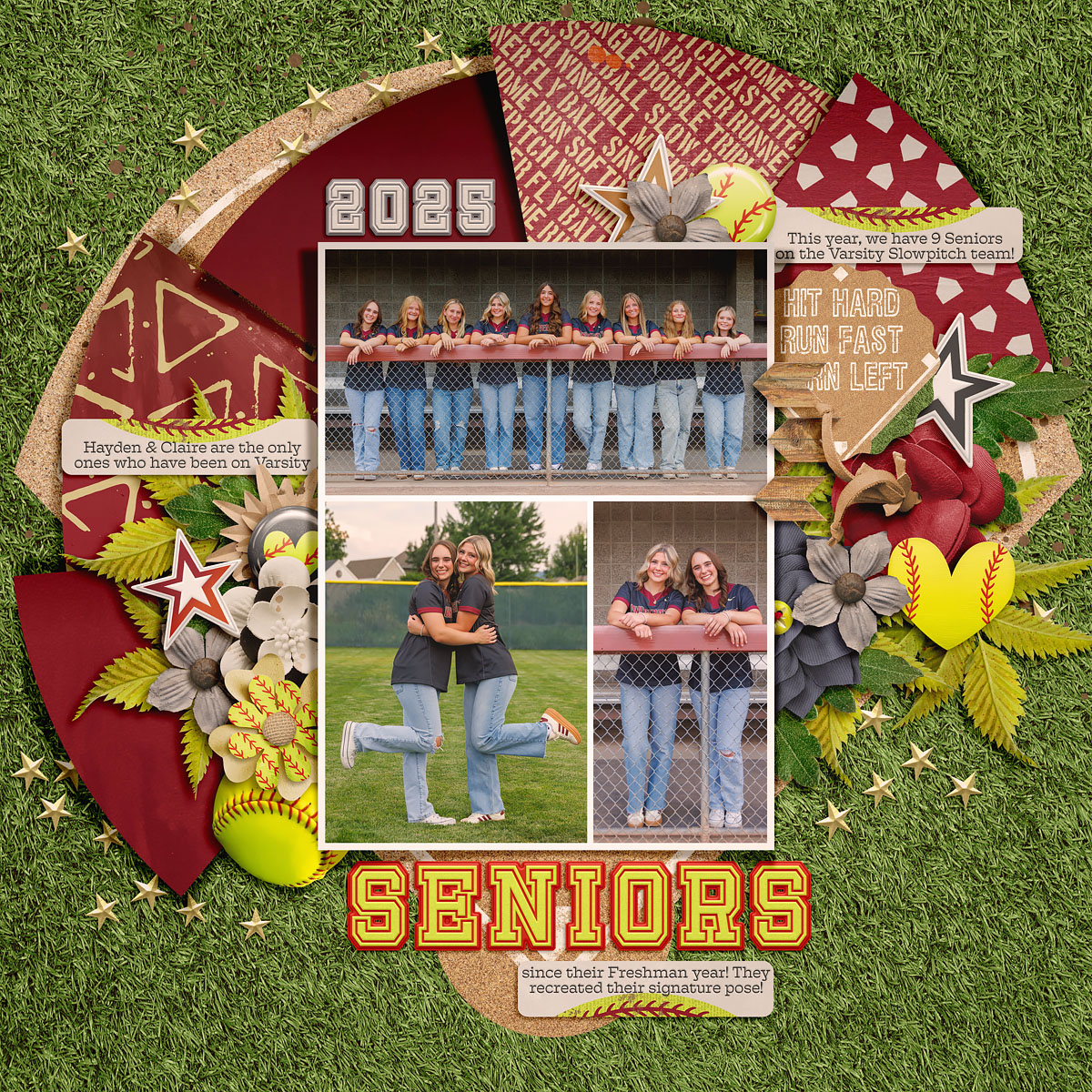
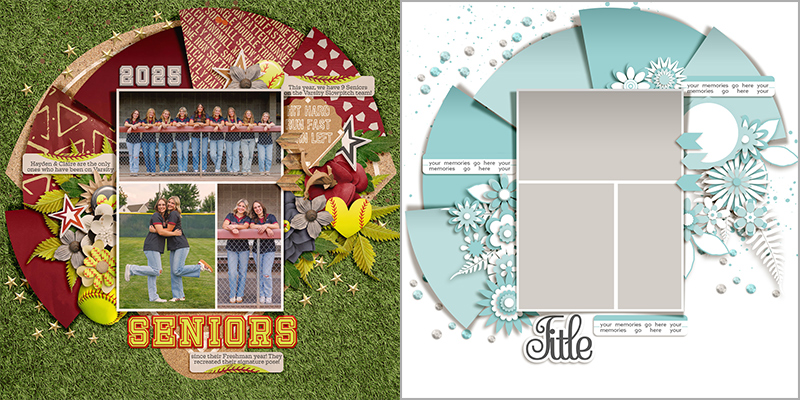
Amie shows us a clever way to fit more photos on your layout by splitting the big photo block into a multi-photo grid.

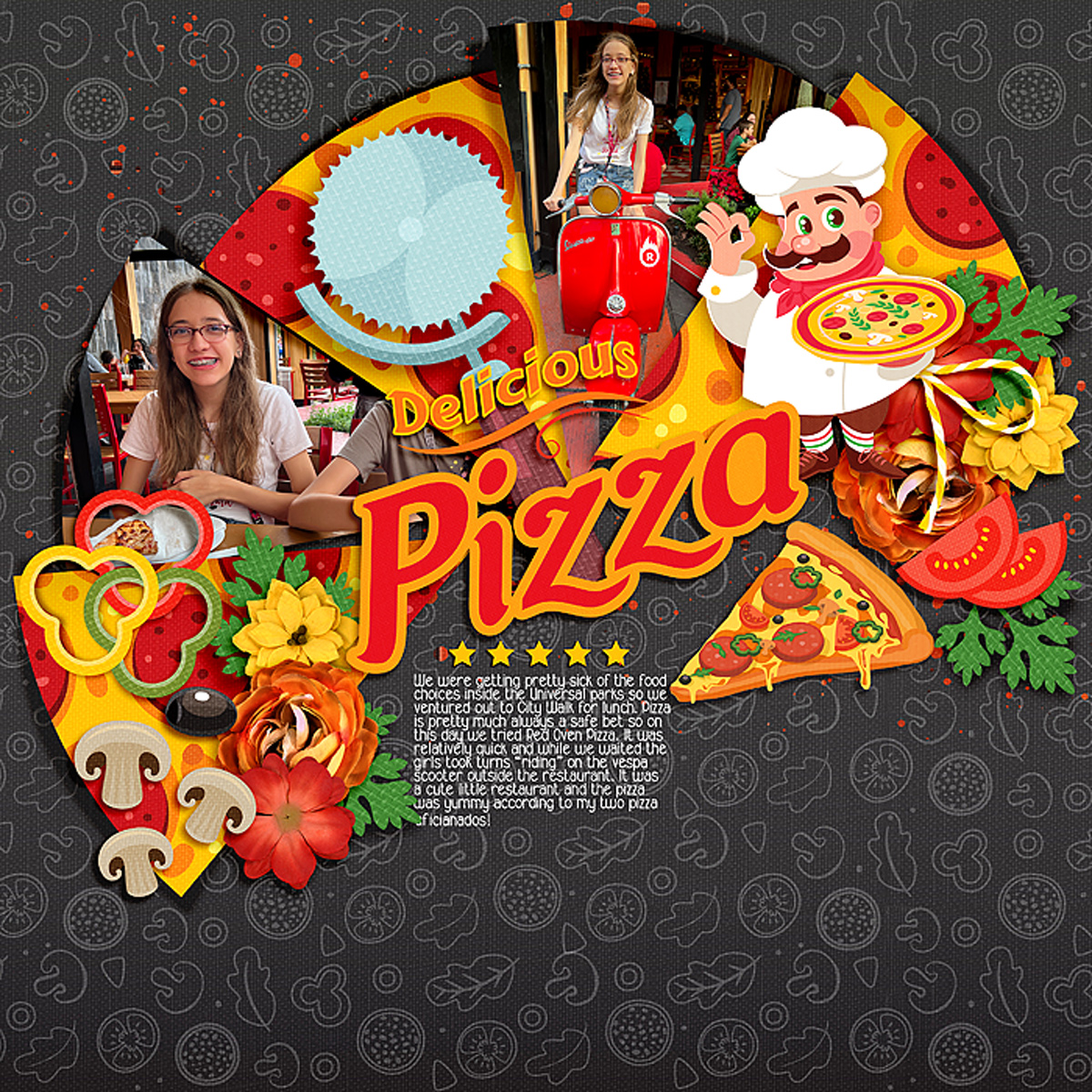
Cassie ditched the rectangular photo block and clipped her photos to the paper shapes instead. This gave her lots of room to put a big title and a block of journaling in the center of the page.
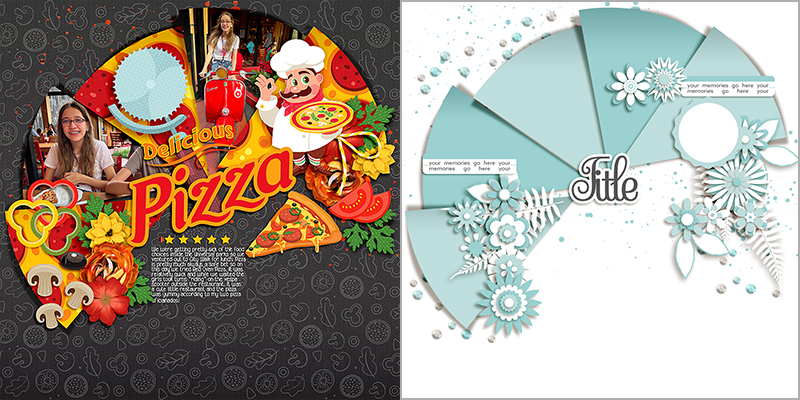

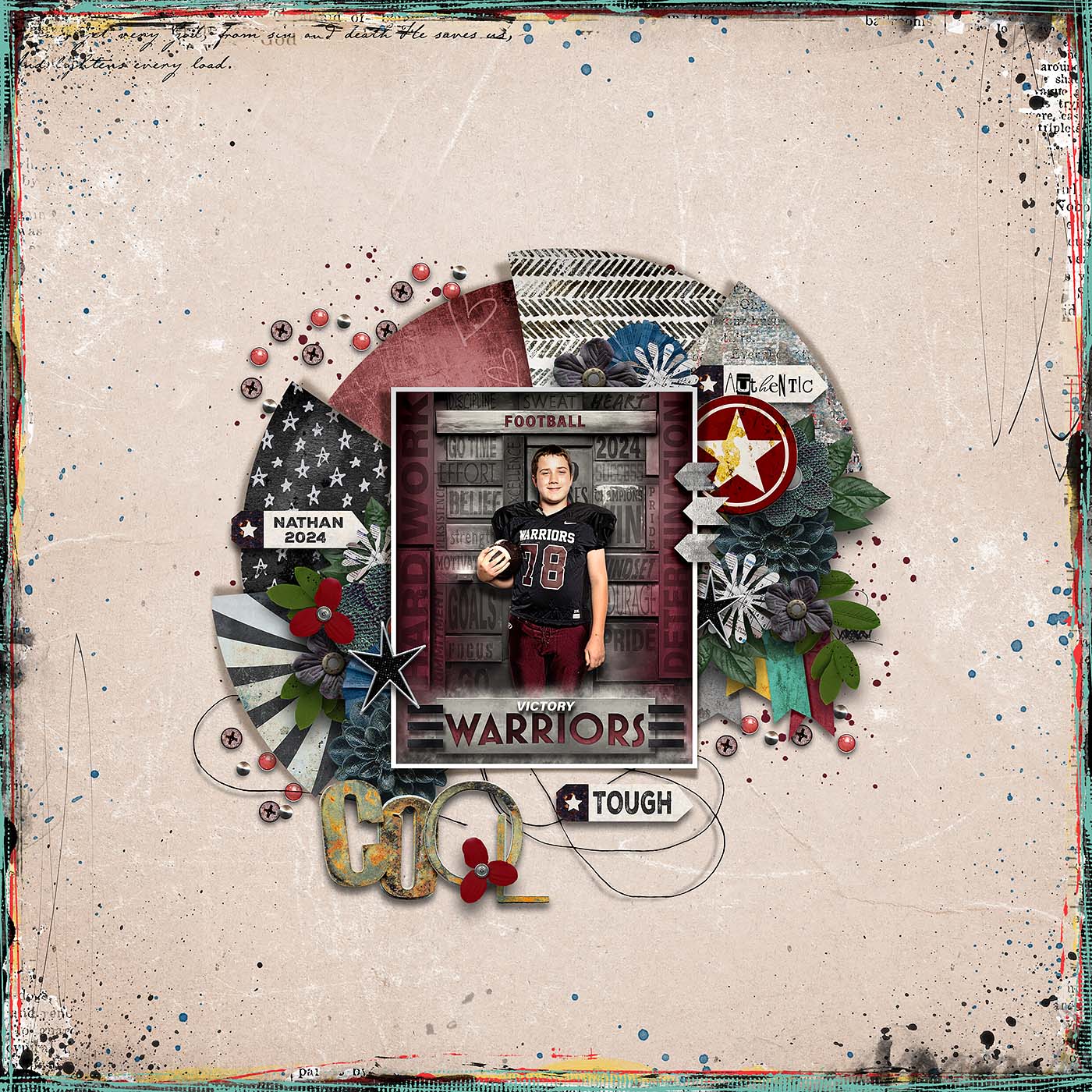
Charlene added wide margins of whitespace by shrinking the template’s layers. This gave her lots of room for that lovely textured & painted border.
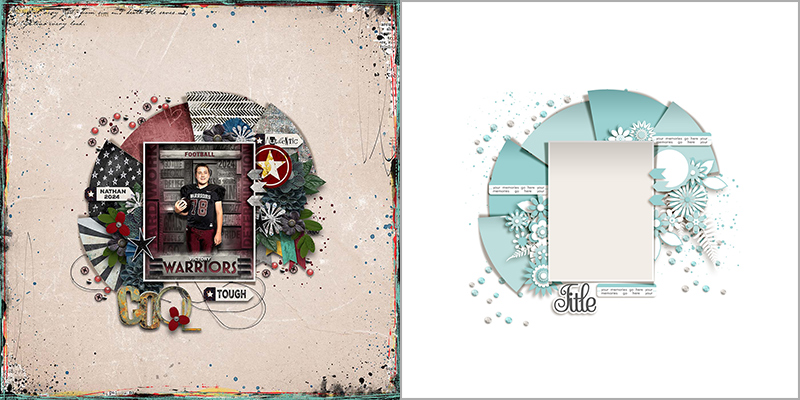

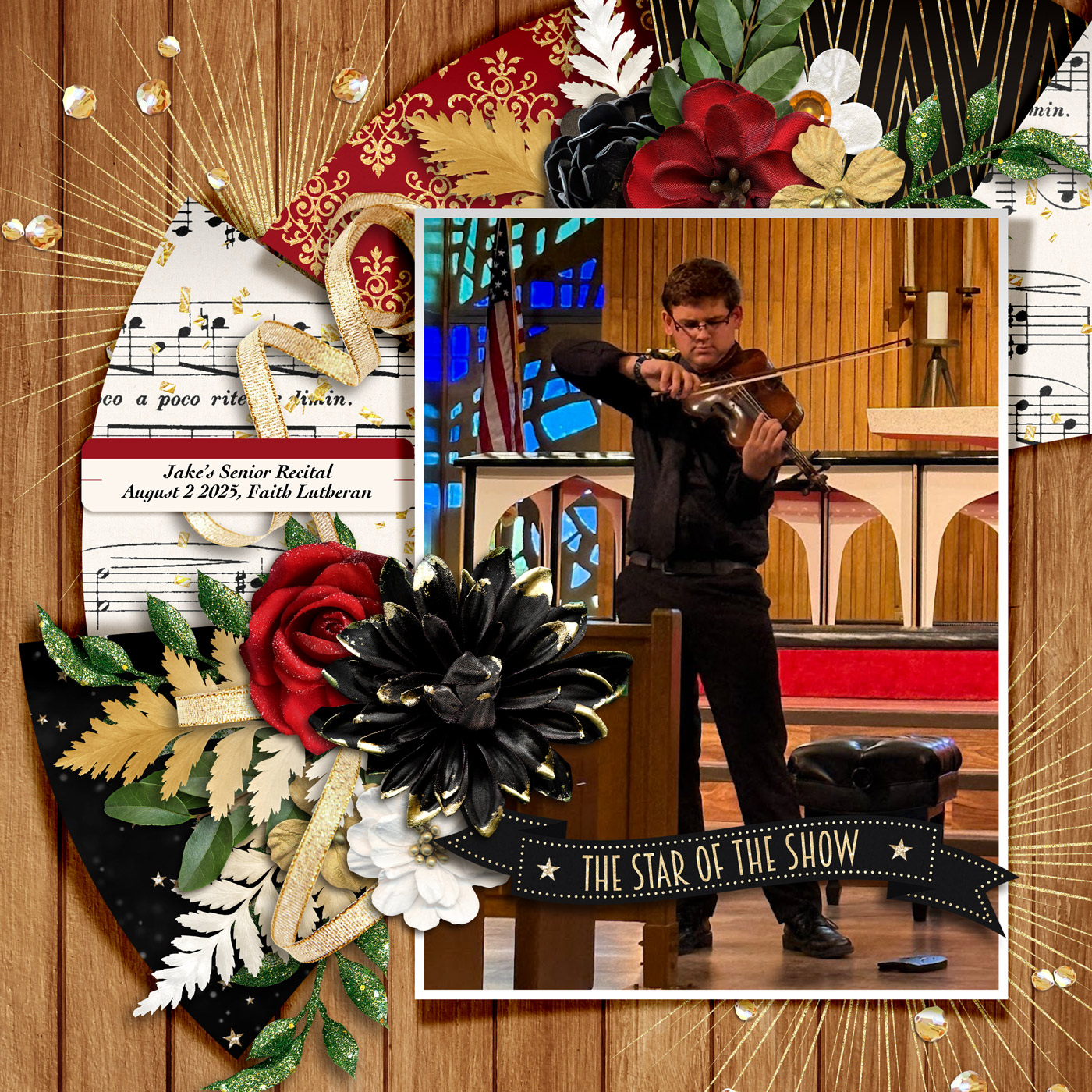
While Charlene went smaller, Rebecca went larger by increasing the size of the template’s layers. This is a great way to show off a big photograph.
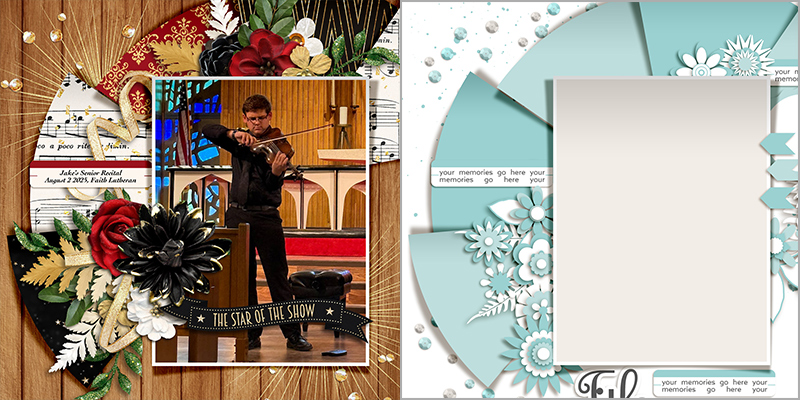

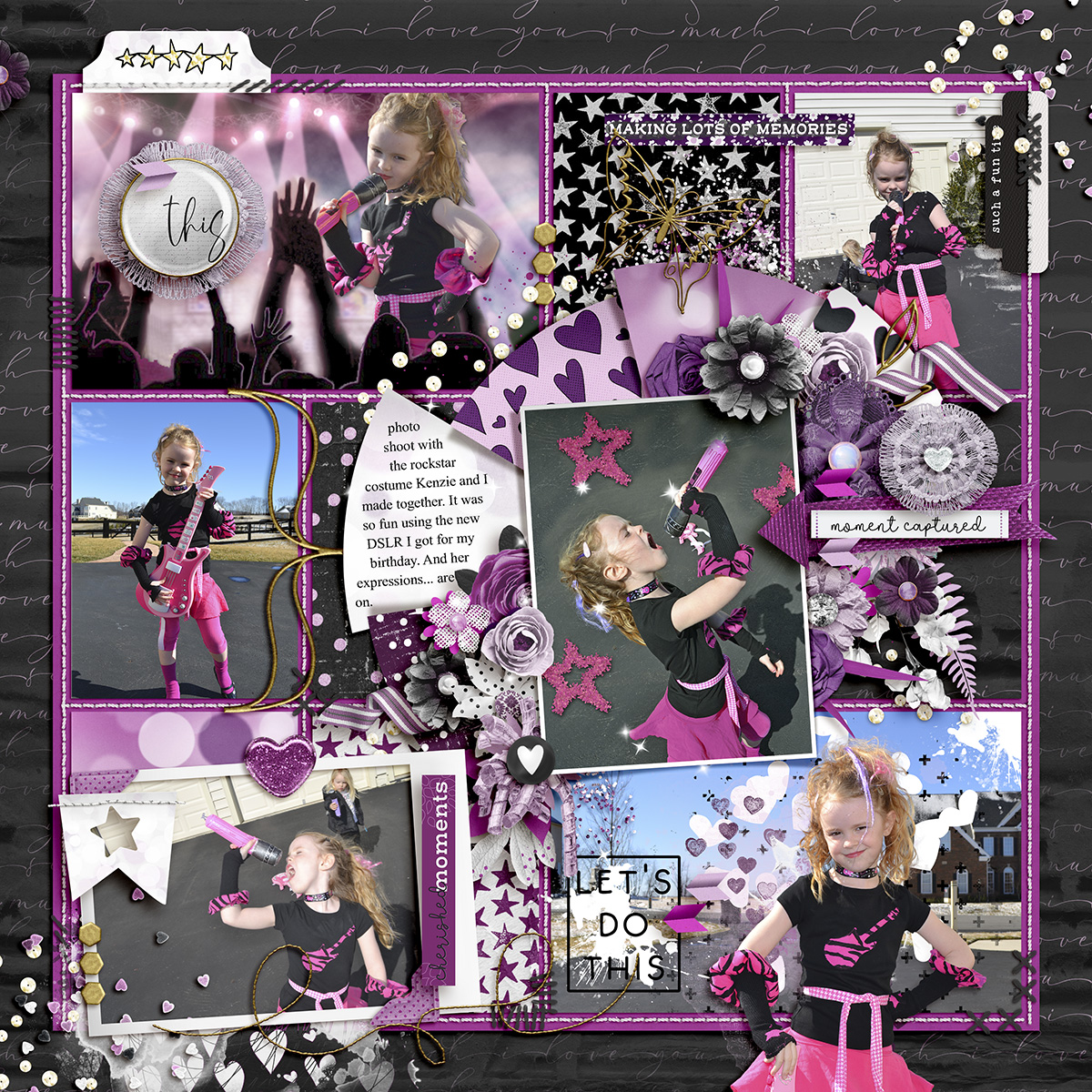
It isn’t only the SugarBabes who played with Cheryl’s template this month … designer Kelly of Connection Keeping joined in the fun as she used the template for a pocket-style layout. She combined it with one of the pocket templates from her Yearbook: Templates pack and the results are simply stunning.
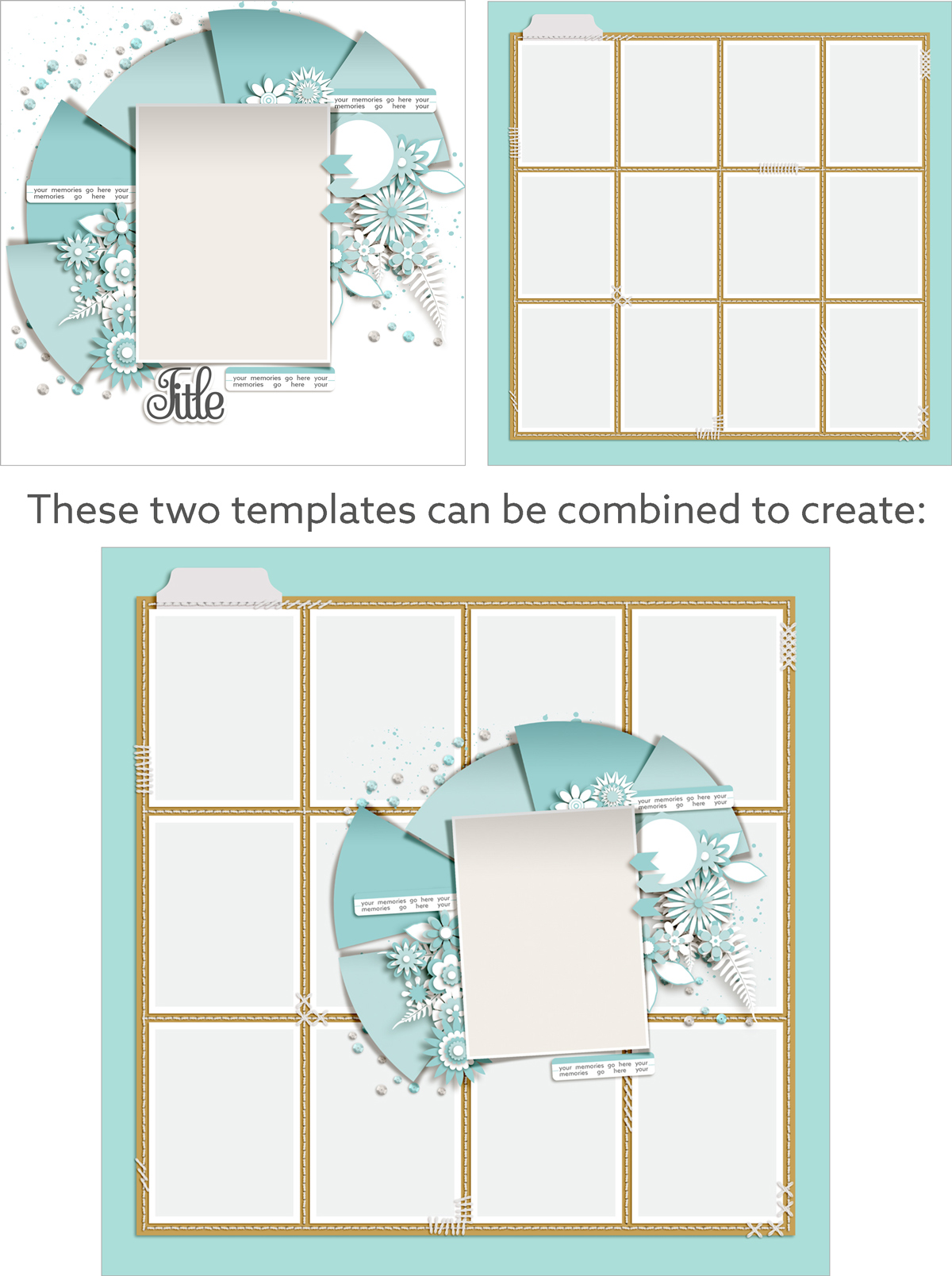

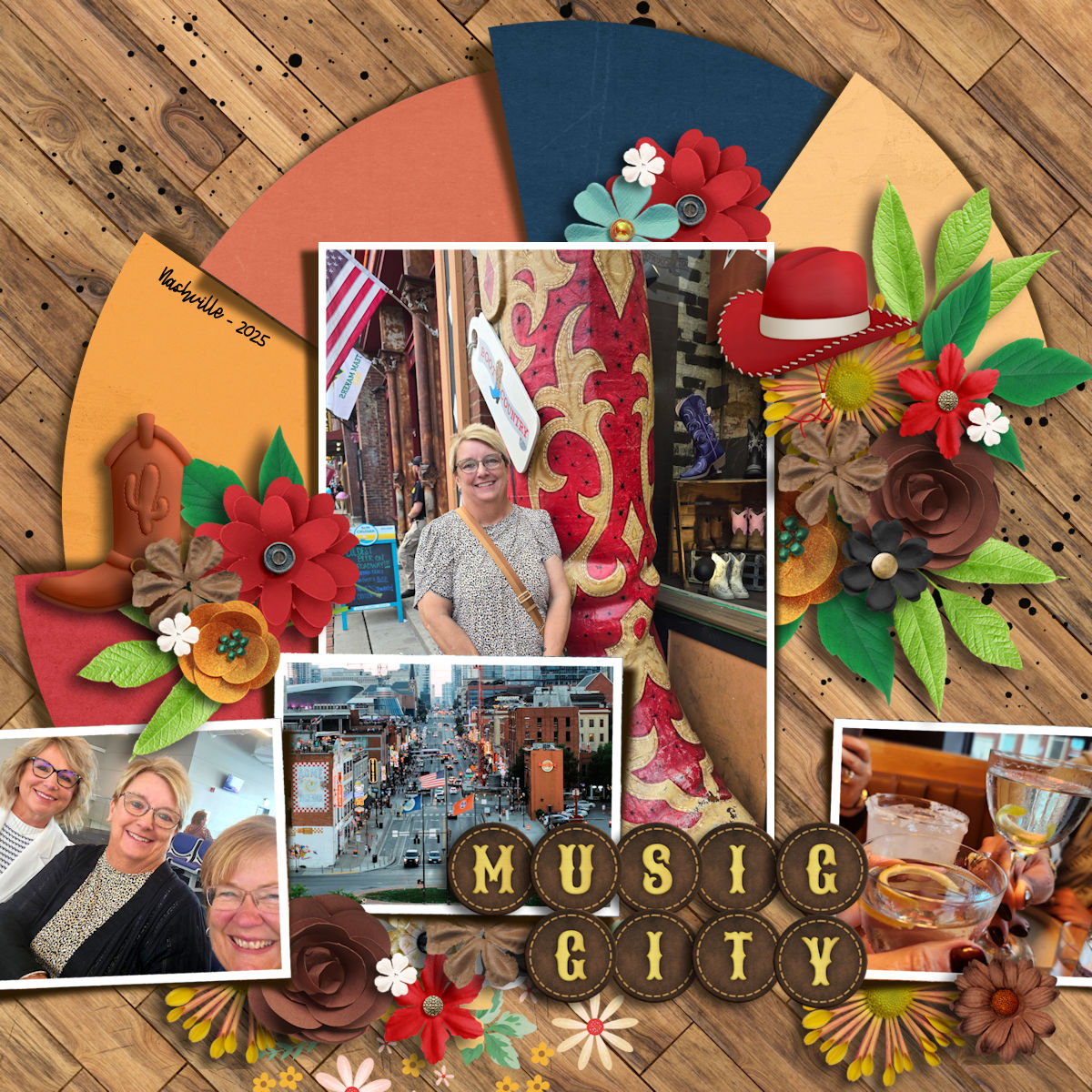
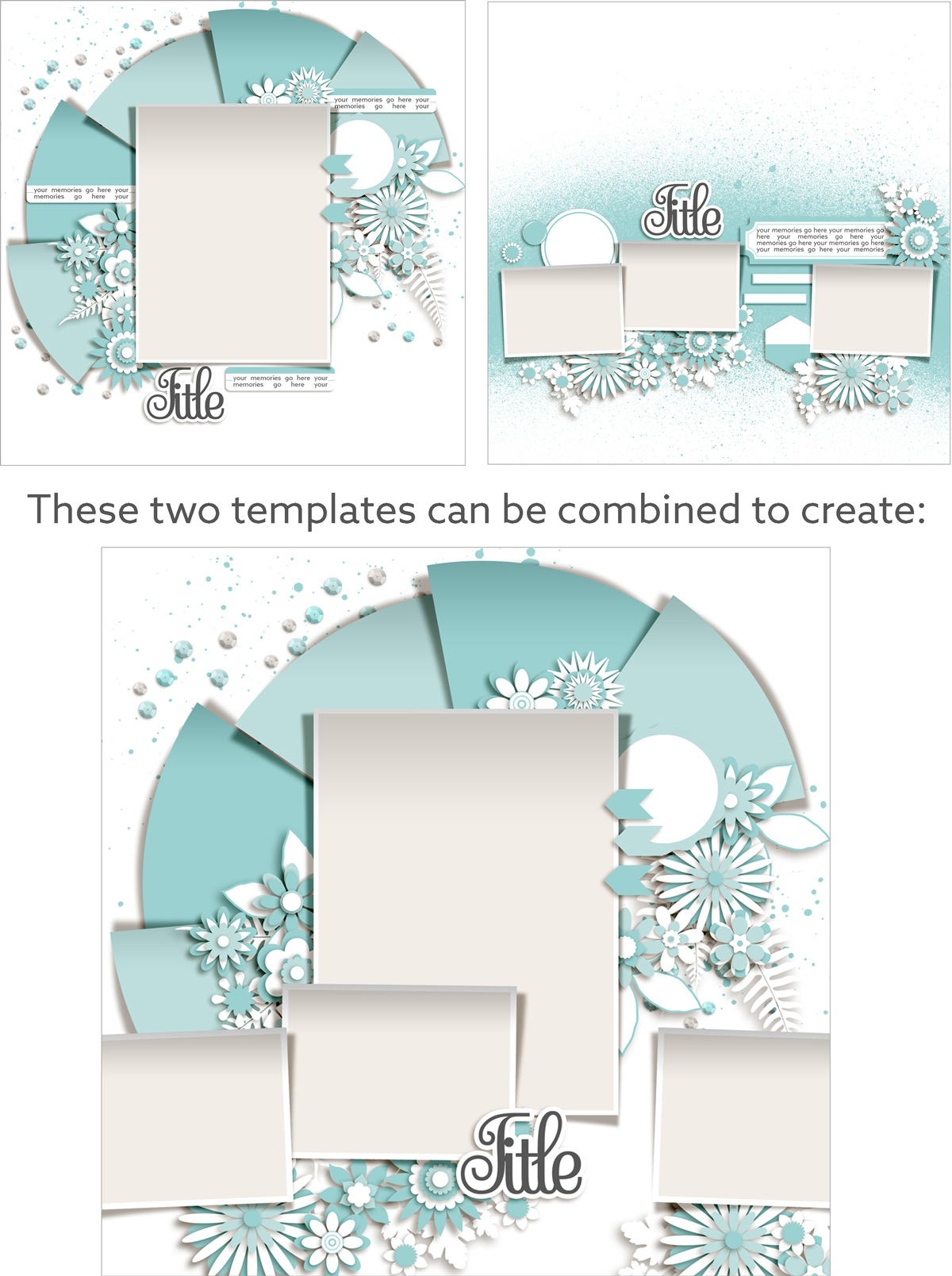
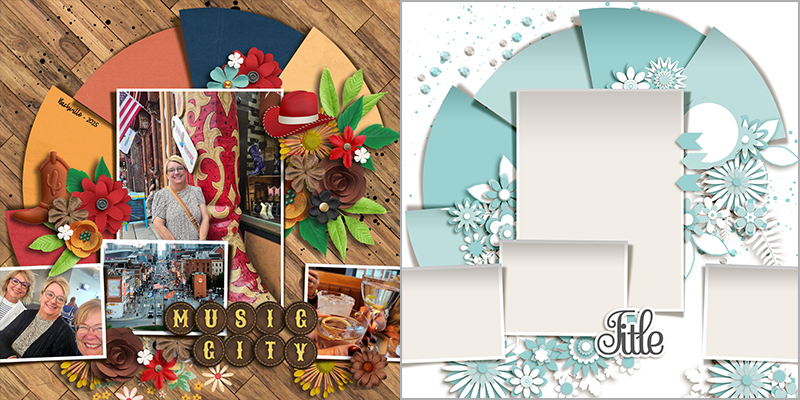
Jill also mixed things up by combining the template with layers from another template by Fiddle-Dee-Dee, part of her Sunshine on My Shoulders 4-pack. This gave Jill three additional photo spaces on her layout.

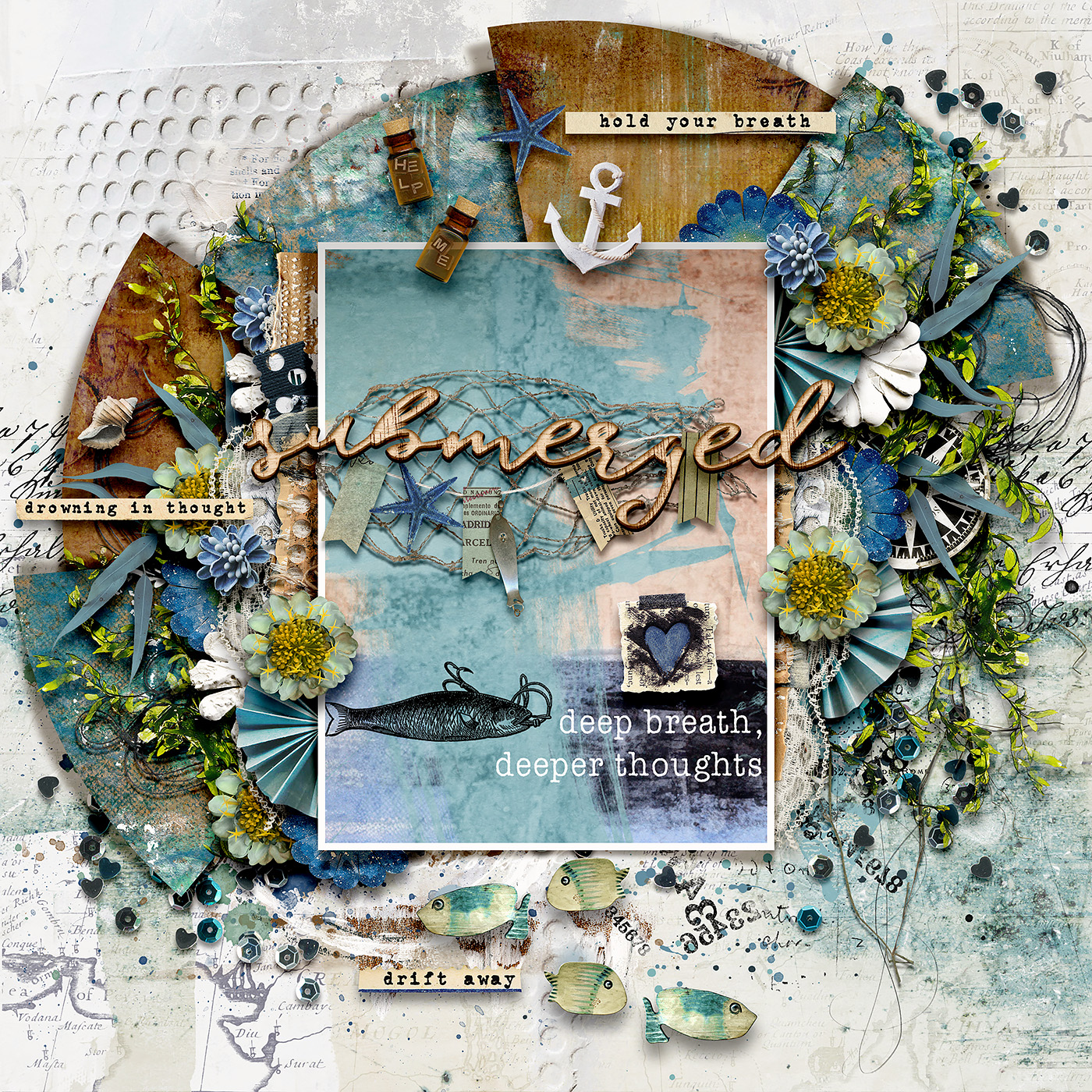
Heather used the template to create an art journaling-style layout with lots of texture and multimedia elements.
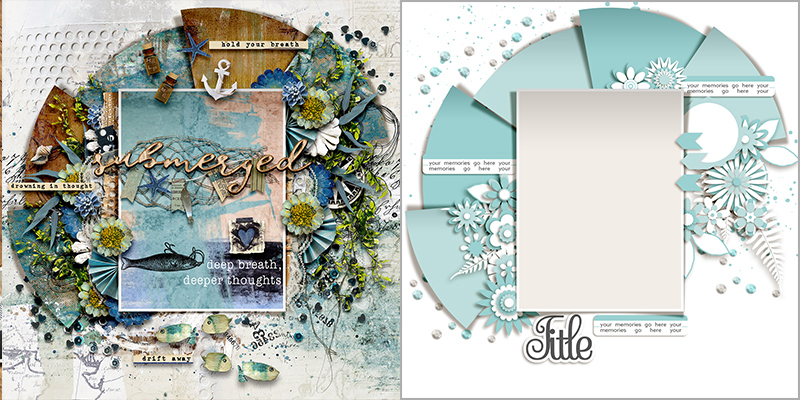

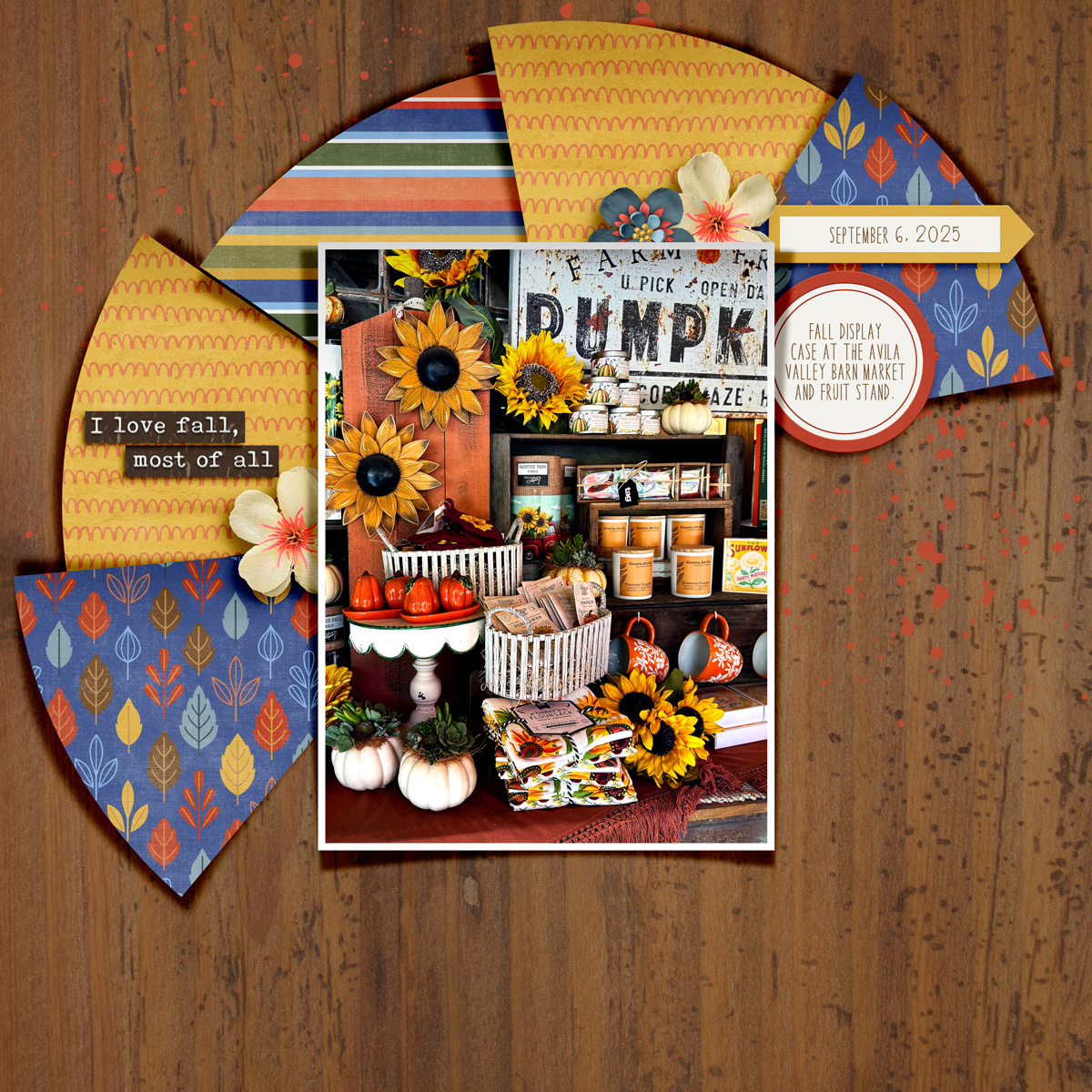
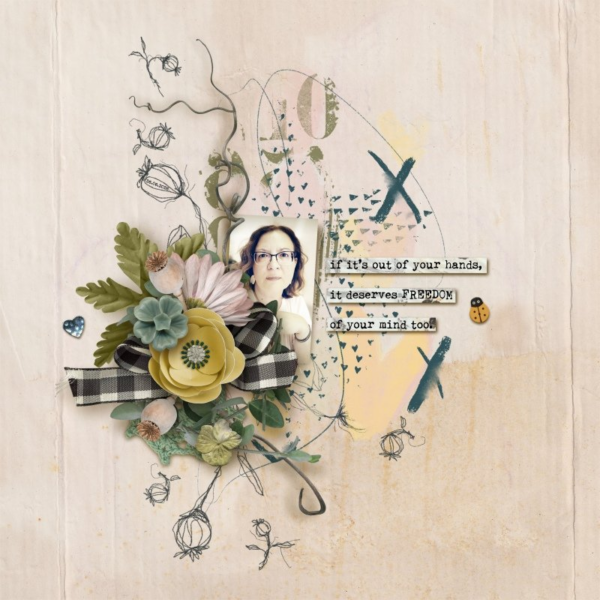
Carrie took her layout in a clean-and-simple direction by removing layers from the template.
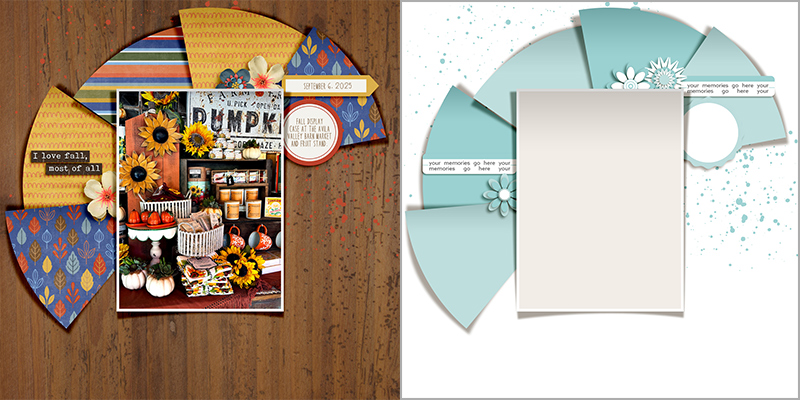

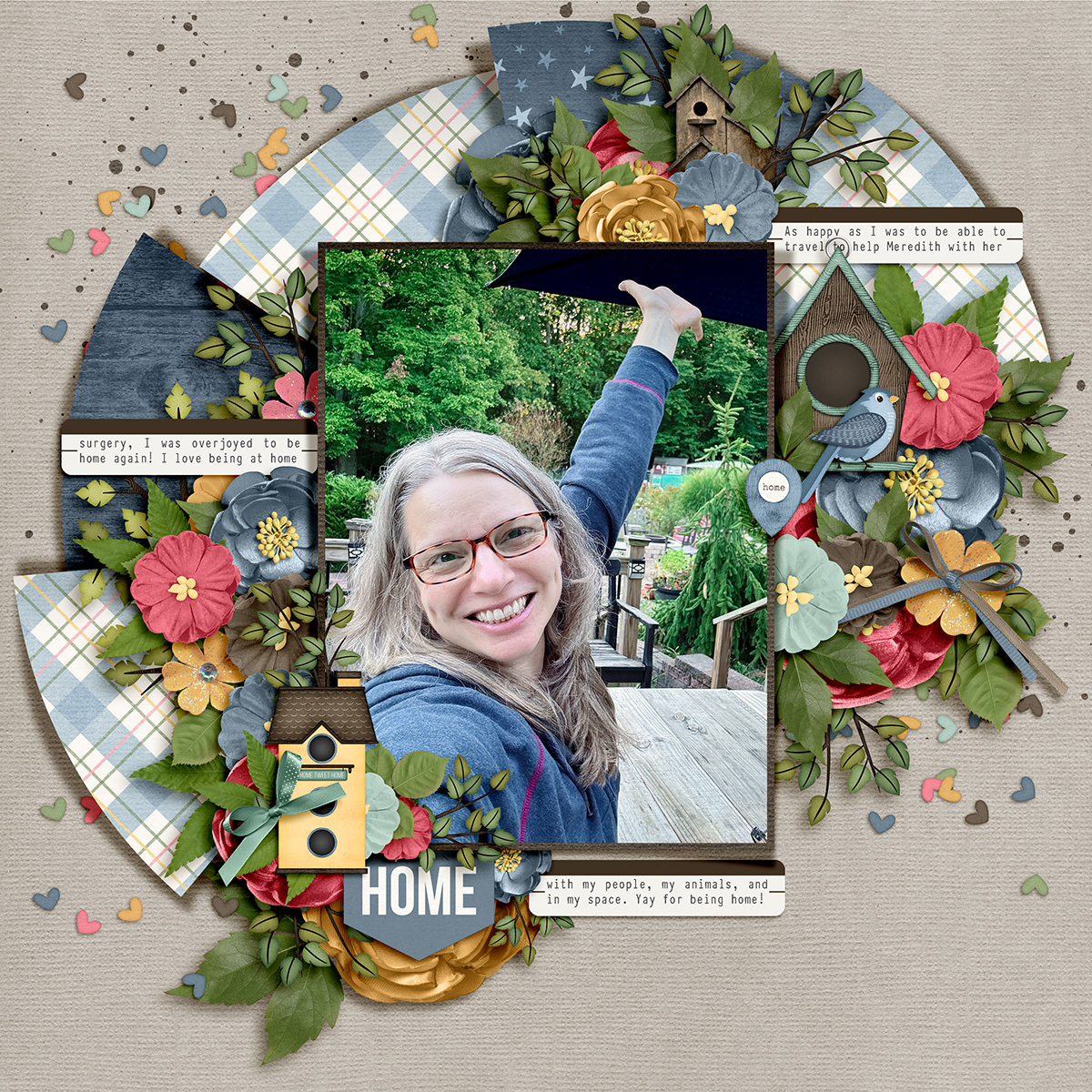
Ally leaned in to the element clusters on her layout by adding additional foliage and greenery.
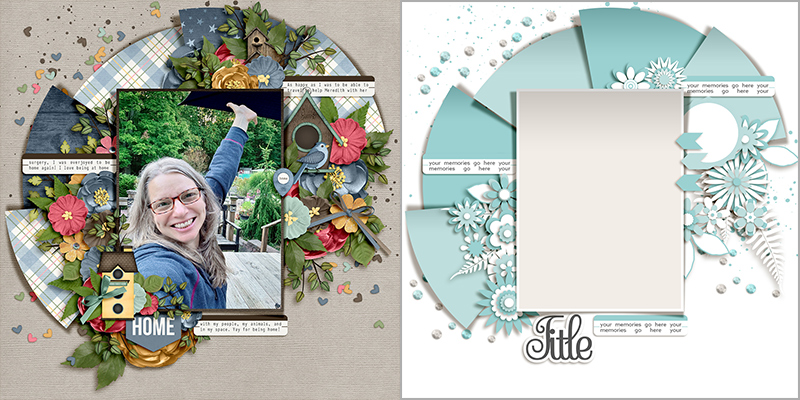

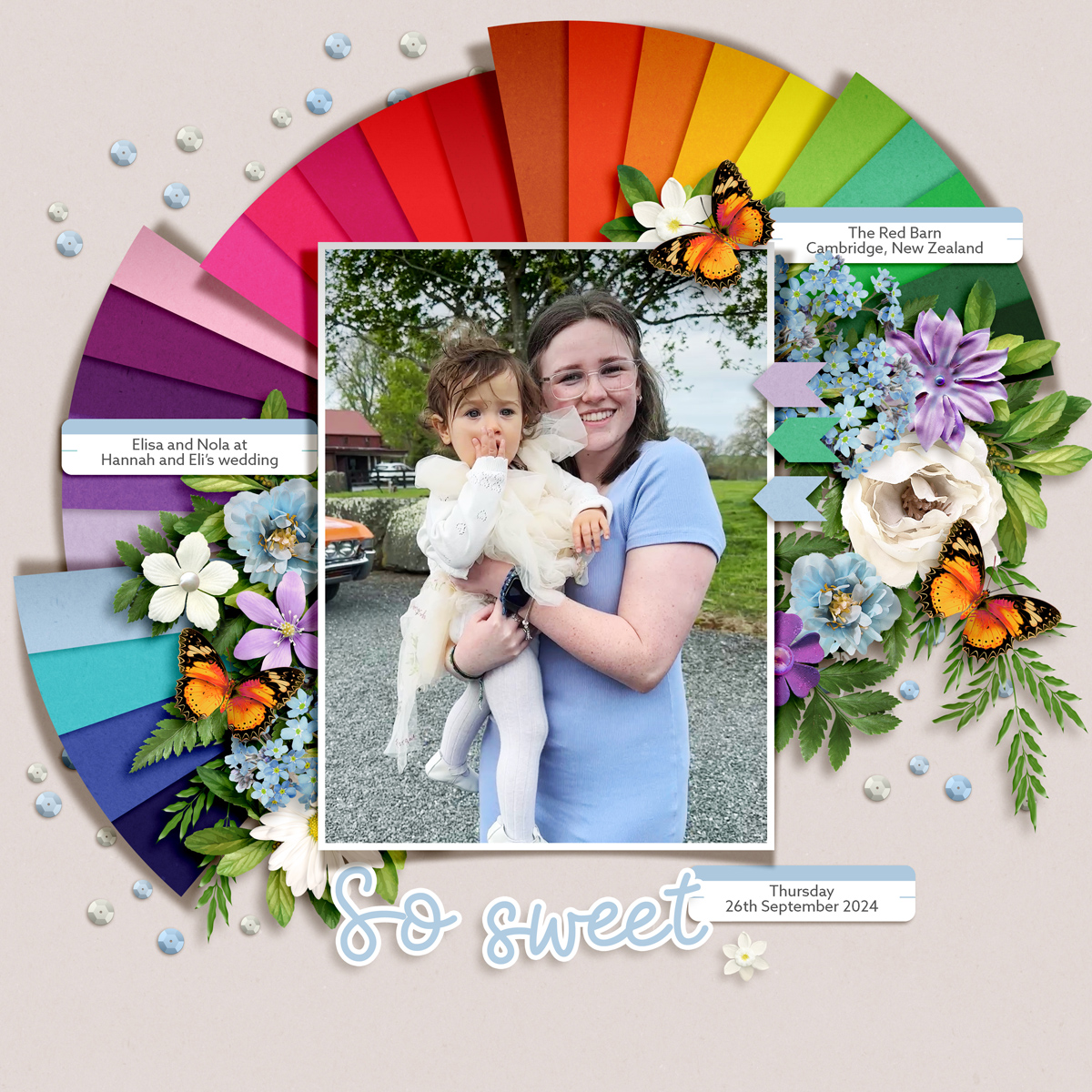
Jacinda leaned in to the fan shape on her layout by clipping multiple sheets of digital paper to the paper shapes, each of which has its own drop shadow.
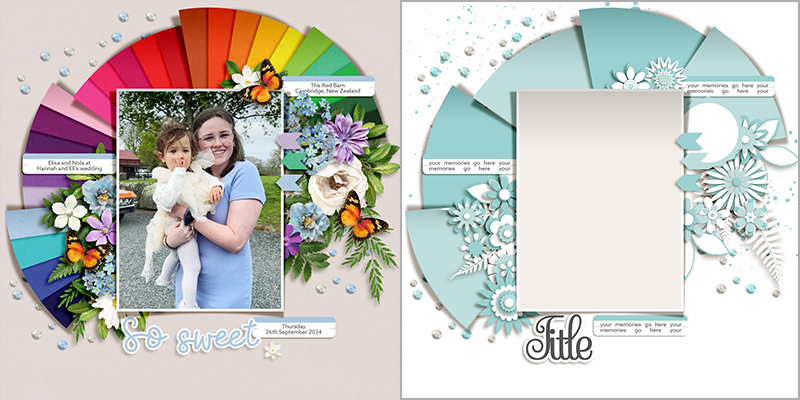

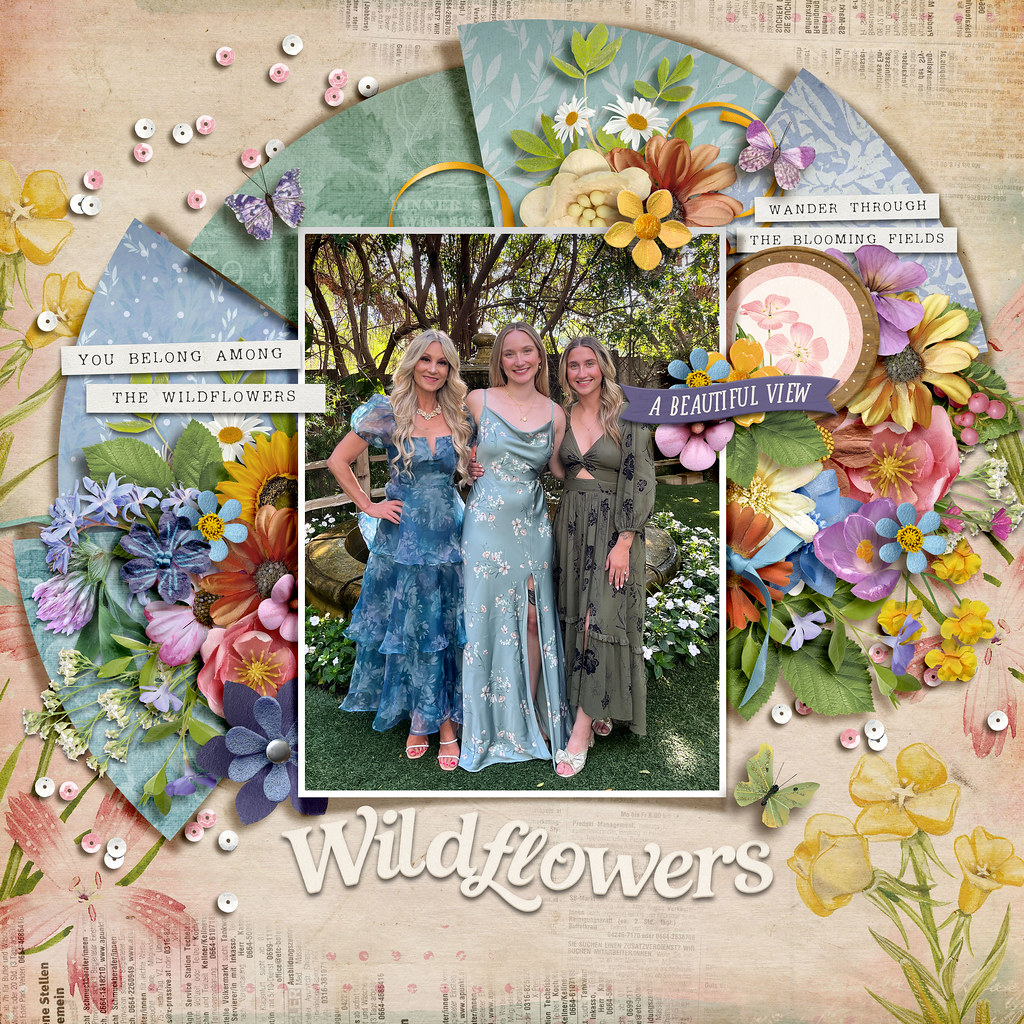
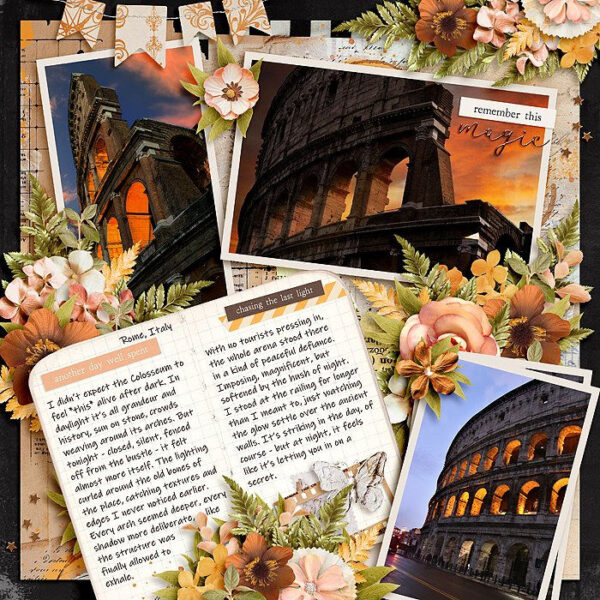
And Kjersti went extra heavy on the clusters by adding lots of additional flowers and foliage.
So there you have it: one template … seventeen uniquely gorgeous digital scrapbook layouts!
It’s our hope that today’s post gives you some inspiration for your next layout and gets you thinking about all the ways you can get the most out of your layered scrapbook templates. Whether you use it with a photo or go photoless, simplify it or add lots of clusters, flip it, spin it, shrink it or expand it, scrap it as-is or break it apart into pieces and create an entirely new masterpiece, the possibilities with layered scrapbook templates are absolutely endless. So grab yourself a template – and remember, this pack by Fiddle-Dee-Dee is on sale for 50% off this weekend during our Digital Scrapbook Day Preview Weekend Sale – and record some new memories today!

Kjersti Rothenberger said...
on September 25th, 2025 at 10:10 am
Talk about inspiration! I love this so much!